D365 F&O Data Entities: Composite, Computed, and Virtual Fields Explained
In this series: F&O and Dataverse integration
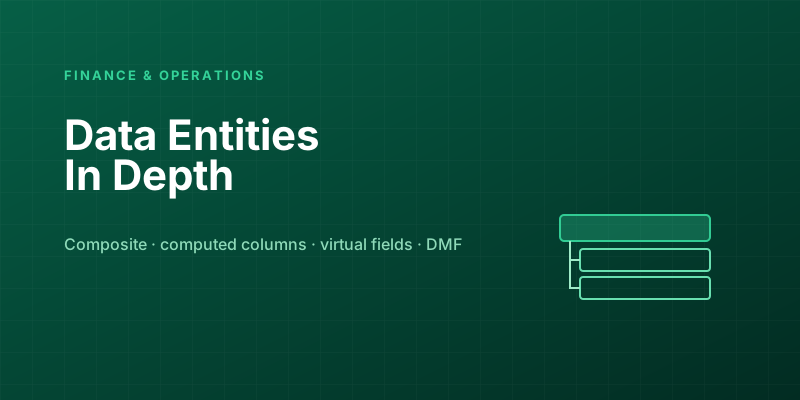
Data entities are the front door to Dynamics 365 Finance and Operations. Every OData integration, every Data Management Framework import, every Power Platform connection goes through them. For simple cases — read and write a flat list of fields on one table — they're straightforward. But real integrations are rarely flat: you need to import an order with its lines in one document, expose a derived value that exists in no column, or surface a field that's calculated on the fly. Each of those needs a specific entity capability, and using the wrong one produces integrations that are slow, broken, or quietly wrong. This is a tour of the three shapes that separate a toy entity from a production-grade one.
The baseline: entities are a stable contract over tables
First, the mental model. A data entity is a denormalized view over one or more underlying tables, exposed as a single consumable surface. Its job is to be a stable contract: integrations bind to the entity's fields, not to the physical table schema, so you can refactor tables underneath without breaking every consumer. That indirection is the whole point — it's what lets the F&O data model evolve while OData clients keep working.
A plain entity maps its fields to columns on a root datasource (plus joined reference tables for lookups). Read, write, import, export — flat and predictable. Everything below is about the cases where flat isn't enough.
Composite entities: importing a document, not a row
A sales order isn't one record. It's a header and a set of lines, and they only make sense together. If you expose the header entity and the line entity separately, an integration has to import the header, capture the generated key, then import each line referencing that key — multiple calls, careful ordering, and a window where a header exists with no lines. That's fragile and awkward for the source system.
A composite entity solves this by nesting child entities inside a parent so the whole document moves as one XML/JSON structure:
<SalesOrderHeaderV2>
  <SalesOrderNumber>SO-0012</SalesOrderNumber>
  <CustomerAccount>US-001</CustomerAccount>
  <SalesOrderLineV2>
    <ItemNumber>D0001</ItemNumber>
    <Quantity>10</Quantity>
  </SalesOrderLineV2>
  <SalesOrderLineV2>
    <ItemNumber>D0002</ItemNumber>
    <Quantity>5</Quantity>
  </SalesOrderLineV2>
</SalesOrderHeaderV2>
The header and its lines arrive as a single unit. The platform handles the parent/child sequencing, so the consumer sends one self-contained document and the order is created whole. Use composite entities whenever the natural business object is a document with a header and lines — orders, invoices, journals, purchase orders. The rule of thumb: if a human would think of it as "one order with several lines" rather than "a header and some unrelated rows," it wants a composite entity. Don't make integrators reassemble a document you could have shipped intact.
Computed and virtual fields: data with no column behind it
Sometimes an entity needs to expose a value that isn't stored anywhere — a concatenation, a derived status, a calculated total. F&O gives you two mechanisms, and the distinction between them is precise and worth getting right because it determines where the work happens.
Computed columns are evaluated by SQL on the database server. You define them in code (typically by overriding the entity's compute methods), and they translate into a SQL expression that runs as part of the entity's view. Because the database computes them, they're efficient for set-based reads and — crucially — can be filtered and sorted in the query, since SQL evaluates them server-side:
// Conceptually: a server-side SQL expression on the entity view
// e.g. concatenate name parts, or derive a status from stored columns
public static server str computeFullName()
{
    DataEntityName dataEntityName = tableStr(CustomerEntity);
    str firstName = SysComputedColumn::returnField(dataEntityName, ...);
    str lastName  = SysComputedColumn::returnField(dataEntityName, ...);
    return SysComputedColumn::concat(firstName, ' ', lastName);
}
Virtual fields are computed in X++ on the application server, per row, after data is read — you populate them in postLoad(). They can run arbitrary X++ logic (call methods, look things up, apply business rules a SQL expression can't express), but that power has a cost: they're evaluated row by row in application code, so they can't be pushed into the database query and shouldn't be used to filter or sort large result sets.
The decision between them:
| Need | Use | Because |
|---|---|---|
| Derive a value from stored columns with SQL-expressible logic | Computed column | Runs in SQL; filterable, sortable, set-based, fast at scale |
| Need to filter or sort an export by the derived value | Computed column | Only server-side SQL can be pushed into the query |
| Logic requires X++ that SQL can't express (method calls, complex rules) | Virtual field | Runs in app code with full X++ available |
| Per-row enrichment on a bounded result, never used as a filter | Virtual field | Row-by-row cost is acceptable when volume is small |
The trap people fall into: using a virtual field for something a large integration then tries to filter on. Because virtual fields are computed after the rows are fetched, the filter can't be delegated to SQL — so the system pulls a huge result set into memory and filters it row by row, and your export crawls or times out. If a derived value will ever be a filter or sort key on a sizable dataset, it must be a computed column. Match the mechanism to whether the value needs to participate in the query or only in the result.
The performance reality of entities
Beyond field types, a few entity-level truths decide whether an integration is fast or painful:
- Entities denormalize, and denormalization has a cost. A wide entity joining many reference tables to resolve readable values (display names instead of recids) is convenient for consumers but heavier to query. Don't expose joins you don't need; every extra reference datasource is more work on every read.
- Set-based beats row-based, dramatically. The Data Management Framework can stage and process records in bulk. An entity that supports set-based operations imports far faster than one forced into row-by-row processing because of per-row logic (heavy
postLoad, certain validations). When import speed matters, favor set-based-friendly designs and be wary of per-row X++ that defeats them. EntityChangeTrackingEnabledpowers incremental exports. Turn on change tracking and consumers can pull only what changed since the last sync instead of re-exporting everything. For any recurring outbound integration of a large table, this is the difference between a quick delta and a punishing full export every cycle.- OData vs. DMF are different doors with different strengths. OData is great for real-time, record-level reads and writes; the recurring-integration/DMF path is built for high-volume batch movement. Pick the door that matches the volume and latency, rather than forcing one tool to do both jobs.
The takeaway
A data entity is more than a flat table view, and the advanced shapes exist because real integrations aren't flat. Reach for a composite entity when the business object is a document with header and lines, so consumers send it whole. Use a computed column when a derived value needs to be calculated efficiently in SQL and especially when it'll be filtered or sorted; reserve virtual fields for per-row X++ enrichment on bounded data where it won't become a query filter. And remember that entities trade query cost for consumer convenience — denormalize deliberately, lean on set-based processing and change tracking for volume, and choose OData or DMF to match the workload. Get these choices right and your integrations are fast and correct; get them wrong and you'll spend the project debugging timeouts and reassembling documents that should have arrived intact.
Keep reading
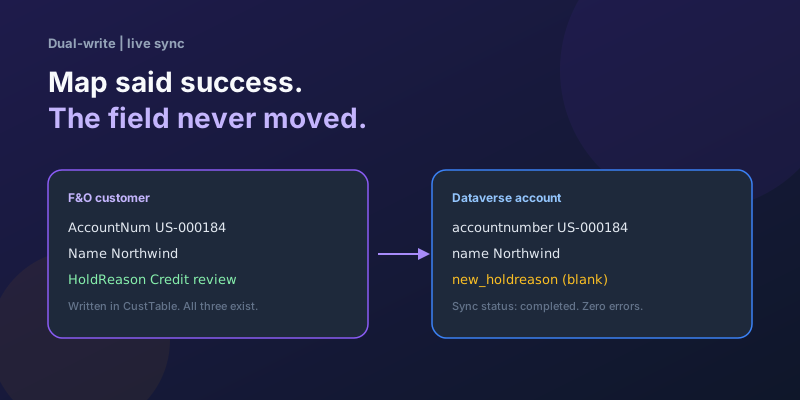
Dual-Write Dropped My Field and Reported Success
Why a dual-write map can complete with zero errors while a custom F&O field never lands in Dataverse — staging tables, unpublished maps, and change tracking after a schema change.
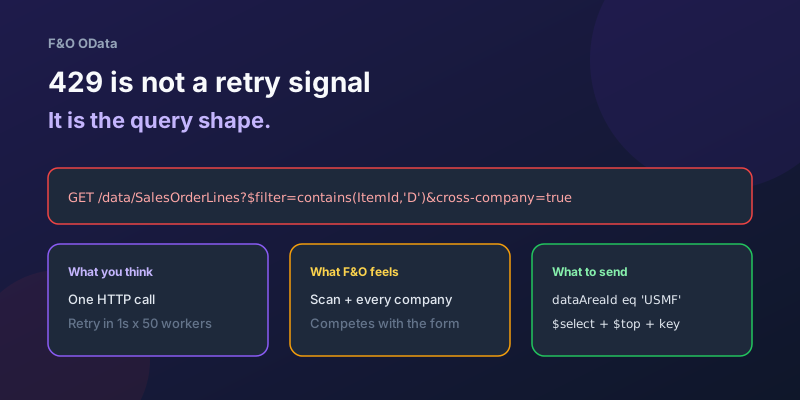
OData 429s from F&O: What Actually Throttles You
HTTP 429 from Dynamics 365 Finance & Operations is usually the query shape, not the request count — cross-company scans, $filter that cannot seek, $batch that still burns SQL, and why retrying harder makes month-end worse.
Extending Data Entities in D365 Finance & Operations Without Breaking Upgrades
Add fields, computed columns, and validation to standard D365 Finance & Operations data entities the upgrade-safe way — with X++ examples and the staging-table traps to avoid.
Recurring Integrations and the REST API in D365 Finance & Operations
Move files in and out of D365 Finance & Operations reliably using the recurring integrations REST API — enqueue, dequeue, acknowledge, and the status polling patterns that keep data flowing.
Dual-Write vs Virtual Entities vs OData: Choosing the Right F&O–Dataverse Pattern
Compare dual-write, virtual entities, OData, and DMF for Finance and Operations to Dataverse integration with latency and failure tradeoffs.
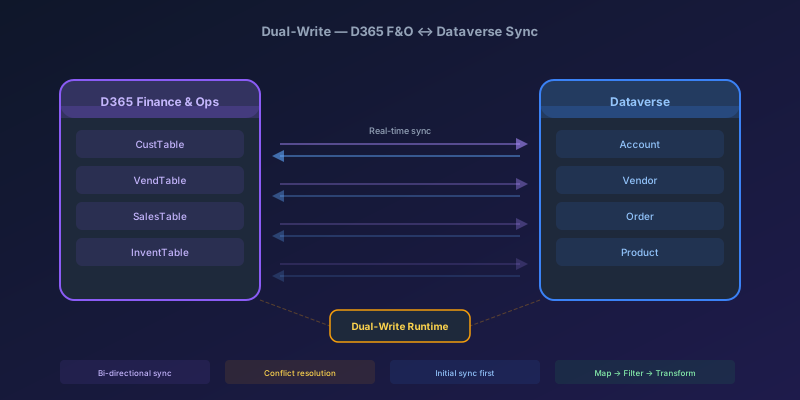
Dual-Write Between D365 F&O and Dataverse: Pitfalls and Patterns That Actually Work
A field-tested guide to dual-write configuration between D365 Finance & Operations and Dataverse — covering initial sync failures, conflict resolution, performance tuning, and when to use alternatives like virtual entities or data export service.
Newsletter
New posts, straight to your inbox
One email per post. No spam, no tracking pixels, unsubscribe anytime.
Comments
- No comments yet. Be the first.