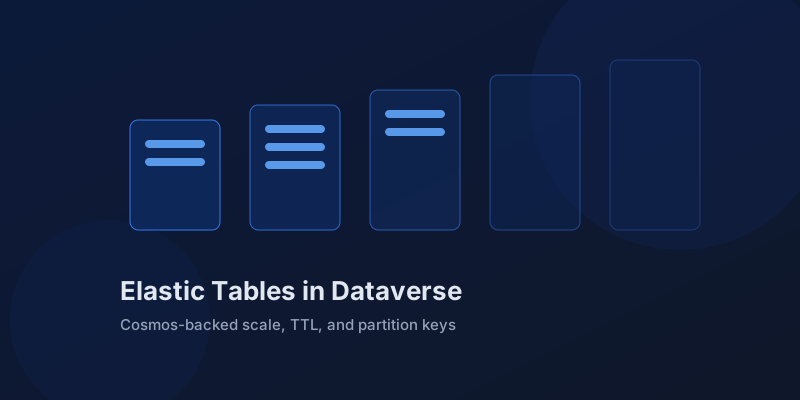
Elastic Tables in Dataverse: When Cosmos-Backed Storage Beats Standard Tables
What Dataverse elastic tables are, how TTL, partitioning, and JSON columns work, and how to decide between elastic and standard tables.
Theme
Tutorials and tips for Power Automate, PowerApps, and the broader Power Platform ecosystem.
48 articles
What Dataverse elastic tables are, how TTL, partitioning, and JSON columns work, and how to decide between elastic and standard tables.
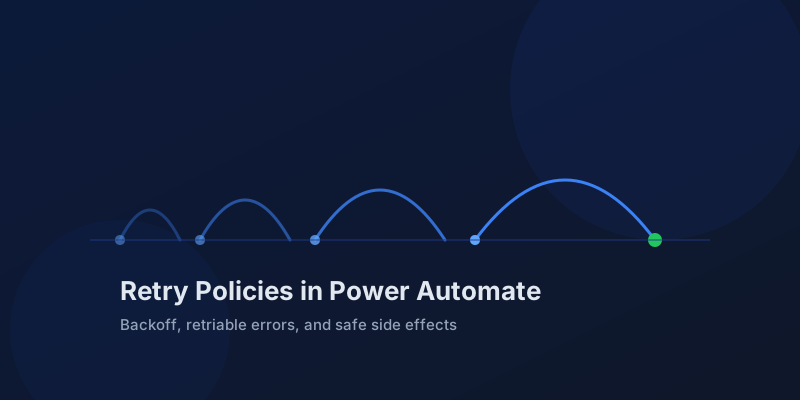
How Power Automate retry policies work, which errors they cover, how to configure them, and how to keep retries from duplicating side effects.
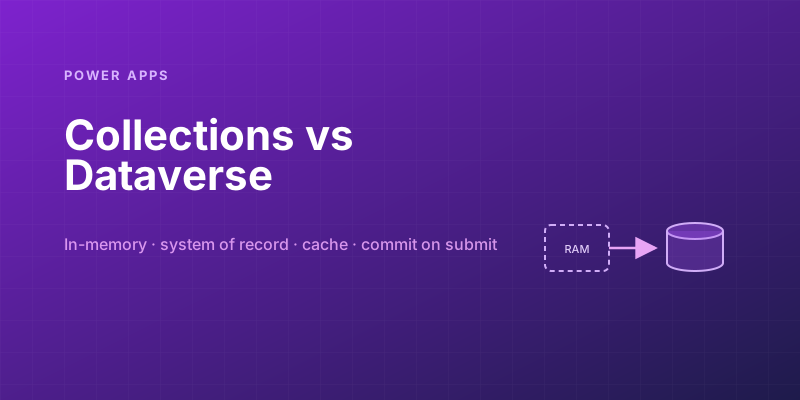
Collections feel fast and convenient, so makers overuse them — and ship apps that lose data and break on refresh. Here is when to hold data in memory and when it belongs in Dataverse.
Transient failures are normal in any flow that calls an API. The difference between a flow that self-heals and one that pages you at 2 a.m. is how you handle retries and the failures that stick.
Native N:N relationships are quick to set up and impossible to extend. A manual junction table is more work and far more flexible. Choosing wrong means a painful migration later.
Secure Power Pages data with Dataverse table permissions, access scopes, web roles, column profiles, and testing practices that prevent data leaks.
Choose between canvas apps, model-driven apps, and Power Pages using a practical matrix for UX, data, licensing, governance, and audience fit.
Learn how Power Apps delegation works, why blue warnings matter, and the Dataverse patterns that keep large-table queries accurate and fast.
Build a first Power Apps PCF control with the CLI, manifest, TypeScript lifecycle, local testing, solution packaging, and safe deployment steps.
Design offline-capable Power Apps for field teams using canvas app caching, queue-and-sync patterns, conflict handling, and mobile offline profiles.
Use Power Fx named formulas and With to replace noisy OnStart logic, reduce repeated lookups, and make canvas apps faster and easier to maintain.
Design a Power Platform environment strategy with dev, test, prod, managed solutions, pipelines, DLP, routing, and governance that scales for teams.
Practical guide to Power Platform DLP policies, connector groups, environment scope, custom connectors, endpoint rules, and flow breakage diagnosis.
Understand Managed Environments in Power Platform, including governance features, licensing, security controls, insights, trade-offs, and rollout timing.
Build a first Copilot Studio agent with topics, generative answers, actions, authentication, testing, publishing, and Teams or website channels.
Embed Power BI content in canvas apps, pass app selections into report filters, read Power BI selections back, and handle licensing and performance.
Learn responsive canvas app layout with horizontal and vertical containers, flexible sizing, breakpoints, scaling settings, accessibility, and tab order.
Memorize these Power Automate expressions to build faster flows, handle nulls, shape arrays, format dates, reduce action count, and debug WDL.
Learn when to call the Dataverse Web API from Power Automate for actions, functions, batch requests, impersonation, row association, and binds.
Use child flows in Power Automate to centralize reusable logic, pass typed inputs and outputs, handle errors, reduce duplication, and improve ALM.
Speed up Power Automate Apply to each loops with concurrency, Filter array, Select, OData filters, pagination strategy, lower action counts, and safer runs.
Master Power Automate Parse JSON with generated schemas, nullable fields, required properties, arrays, nested access, and practical error fixes.
Build your first Power Automate Desktop RPA bot with selectors, variables, loops, Excel data, cloud triggers, licensing, and reliable handoffs.
Use Power Automate trigger conditions to prevent noisy runs, save quota, filter SharePoint changes, skip system updates, and debug triggers.
Implement try-catch-finally error handling in Power Automate using Scopes, run-after settings, result outputs, retries, alerts, and Terminate.
Speed up bulk SharePoint creates and updates in Power Automate by calling the $batch API with changesets, chunking, and per-item error handling.
Create Teams adaptive cards from Power Automate, collect inputs, capture responders, update cards, validate replies, and choose cards wisely.
Use connection references and environment variables to make Power Automate solution deployments predictable across dev, test, and production.
Learn how Power Automate pagination, thresholds, filters, and batching keep large Dataverse and SharePoint datasets reliable.
Secure Power Automate secrets with Azure Key Vault, secure inputs and outputs, least privilege, rotation, and safer ALM patterns.
Build resilient Power Automate integrations with Azure Service Bus queues, topics, sessions, duplicate detection, and dead-letter handling.
Power Platform Pipelines let teams promote solutions from dev to test to prod with built-in approvals and validations — no Azure DevOps required.
The standout features from Microsoft's 2026 Release Wave 1 for Dynamics 365 and Power Platform, and what they mean for your projects.
Set up automated tests for your canvas apps using Power Apps Test Engine — from first test case to CI/CD pipeline integration.
Concrete, measurable patterns to speed up slow Power Apps canvas apps — with before/after examples for each optimization.
Advanced Power Fx patterns that separate beginners from power users — With, Sequence, ParseJSON, error handling, regex, and more.
Build a full round-trip integration between Power Automate and D365 Finance & Operations — trigger on business events, transform data, and write back via OData.
How Dataverse security roles actually work, common mistakes that leave data exposed, and the layered model you should be using in 2026.
Go beyond basic approvals — build a multi-level approval chain with rich Adaptive Cards, timeout handling, escalation logic, and full audit trails in Power Automate.
Build a custom connector from an OpenAPI spec, configure authentication, handle pagination, and share it across your organization — step by step.
Build resilient flows with scope-based try-catch-finally patterns, configure run after, and structured error logging in 2026.
How to configure concurrency limits on scheduled and trigger-based flows to prevent data corruption and race conditions.
Reliable techniques for detecting empty date fields in Dataverse and SharePoint connectors within Power Automate flows.
How to use environment variables, connection references, and solution-aware configuration for clean ALM in Power Platform.
How to distinguish between create and update operations in Dataverse-triggered flows and implement conditional logic accordingly.
Three practical techniques for deduplicating array data in Power Automate, from simple expressions to XPath tricks.
A practical reference for solution component types, their IDs, and how to work with solution XML in Dynamics 365 and Power Platform.
Practical expressions and defensive patterns to prevent null field errors from crashing your Power Automate flows at runtime.