Feature Management in D365 Finance and Operations: Flags, States, and Custom Features
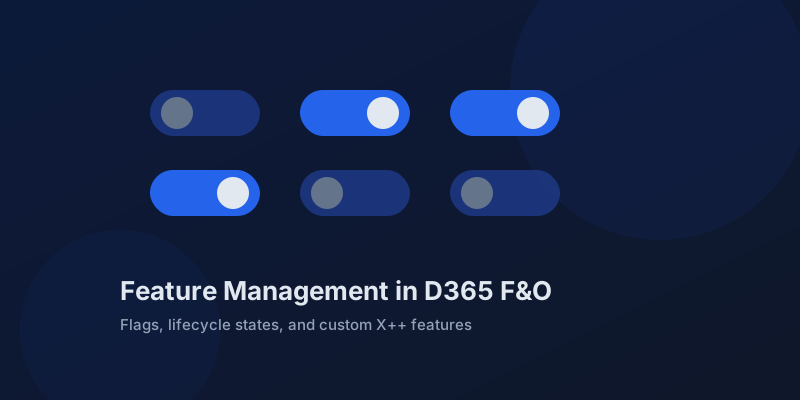
Every Dynamics 365 Finance and Operations release wave lands with dozens of features that are off by default, on by default, or on their way to becoming mandatory. The Feature management workspace is where that lifecycle plays out, and treating it as a checkbox screen instead of part of your ALM process is how environments drift apart and how a mandatory feature surprises you in production on upgrade weekend.
The workspace is a state machine, not a settings page
Every feature moves through a lifecycle Microsoft controls. A feature ships as preview, becomes generally available but optional, then on by default, and eventually mandatory — at which point the toggle disappears and the behavior simply is. The workspace shows where each feature sits, when it was added, and which module it affects.
| State | Who decides | What it means for you |
|---|---|---|
| Preview | You opt in | Evaluate in sandbox only |
| Optional, off by default | You | Enable deliberately, test first |
| On by default | Microsoft, you can disable | Test now; disabling is temporary |
| Mandatory | Microsoft | No toggle; behavior is permanent |
"On by default" is a deadline, not a suggestion. When a feature reaches that state, the release notes usually name the version where it becomes mandatory. The time to regression-test is while you can still turn it off, not after the option is gone. Build a recurring review of newly added features into your release cadence — the workspace supports checking all new features as reviewed, which keeps the triage list honest.
Feature state is data, and it does not deploy with your package
Enabling a feature writes to the database, not to code. A deployable package does not carry feature states, and a database refresh from production overwrites whatever your sandbox had enabled. Both facts bite teams that assume environments stay aligned on their own.
Practical consequences:
- Keep a tracked list of intentionally enabled features per environment, in source control or your ALM tool.
- After every database refresh from production, re-apply sandbox-only feature enablement as a scripted post-refresh step.
- Enable in sandbox, test, then enable in production as a change-managed action with a named owner.
- Features that cannot be disabled once enabled are called out in the workspace — read that flag before clicking.
Some features reach across modules. A finance feature can change posting behavior that an integration depends on; a warehouse feature can alter what a data entity exports. Treat feature enablement with the same respect as a code deployment, because functionally it is one.
Ship your own features behind flags
Custom X++ code can register in the same workspace. Implementing IFeatureMetadata gives your feature a name, description, module, and enablement behavior, and it shows up in Feature management next to Microsoft's own. This is the supported way to ship risky changes dark and enable them per environment.
public final class MyRebateEngineFeature implements IFeatureMetadata
{
    public FeatureModuleV0 module()
    {
        return FeatureModuleV0::AccountsReceivable;
    }

    public str label()
    {
        return "New rebate calculation engine";
    }

    public str summary()
    {
        return "Replaces the legacy rebate calculation with the rules-based engine.";
    }

    public boolean isEnabledByDefault()
    {
        return false;
    }

    public boolean canDisable()
    {
        return true;
    }
}
Guard the code path with a runtime check:
if (FeatureStateProvider::isFeatureEnabled(MyRebateEngineFeature::instance()))
{
    this.calculateWithRulesEngine();
}
else
{
    this.calculateLegacy();
}
Keep both paths alive until the flag is removed. A feature flag whose legacy branch no longer compiles is not a flag, it is a lie in the workspace. Plan flag removal as a real backlog item once the feature has soaked in production, because dead flags accumulate exactly like dead code.
Use flags to decouple deployment from release
The payoff is releasing on your schedule, not the package's. With the engine above, you can deploy the package during a normal service window, verify it dark, and enable the feature Monday morning with the business on standby — and disable it in seconds if the first rebate run looks wrong, instead of rolling back a deployment.
That same discipline applied to Microsoft's features — review on cadence, test while optional, enable as managed changes — turns Feature management from a source of upgrade surprises into the cheapest risk-control mechanism the platform gives you.
Keep reading
crossCompany in X++: The Query That Mixes Legal Entities
A normal select stays in the current company. crossCompany returns every legal entity the user may read. How the company container, changeCompany, and OData differ.
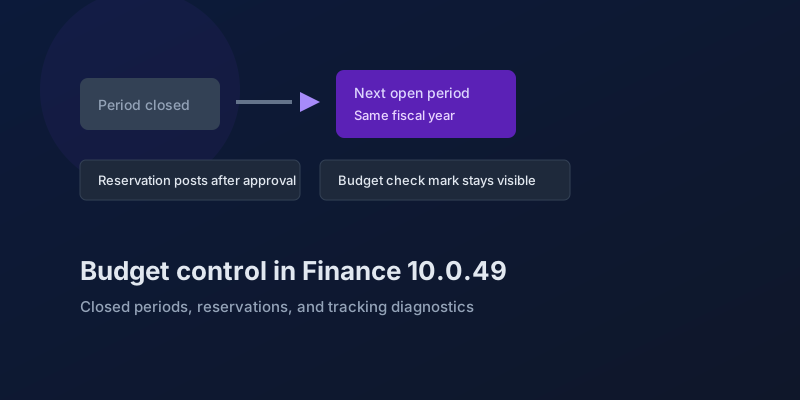
Budget Control in Finance 10.0.49: Closed Periods, Reservations, and Broken Tracking
The budgeting features in Dynamics 365 Finance 10.0.49 — accounting-date advancement, reservation posting, encumbrance reporting, and a diagnostic for corrupt budget tracking.
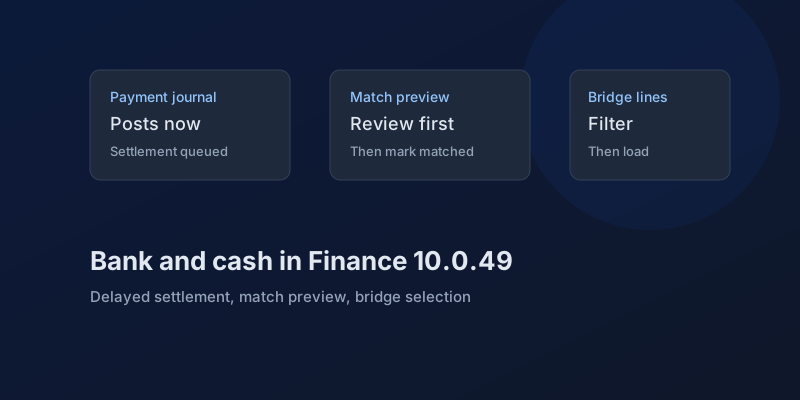
Bank and Cash in Finance 10.0.49: Delayed Settlement, Match Preview, and Bridge Selection
What Dynamics 365 Finance 10.0.49 changes in payment journals and bank reconciliation, which pieces are still preview, and which bank behaviors you can no longer disable.
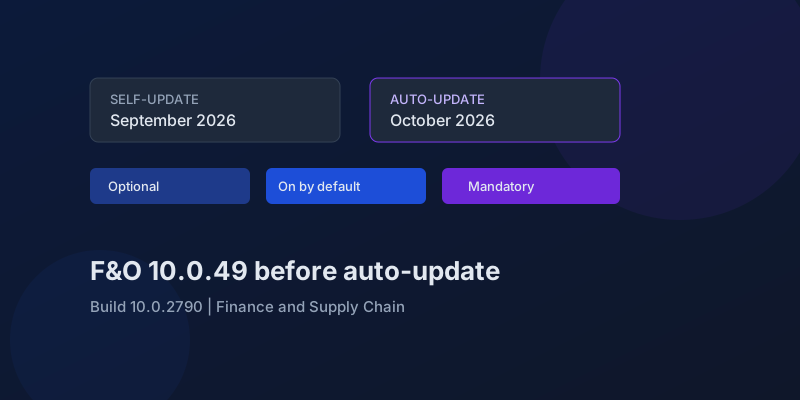
D365 F&O 10.0.49: What to Regression-Test Before the October Auto-Update
Finance and Supply Chain 10.0.49 (build 10.0.2790) is self-update in September 2026 and auto-update in October. Here is the feature-state triage that actually matters.
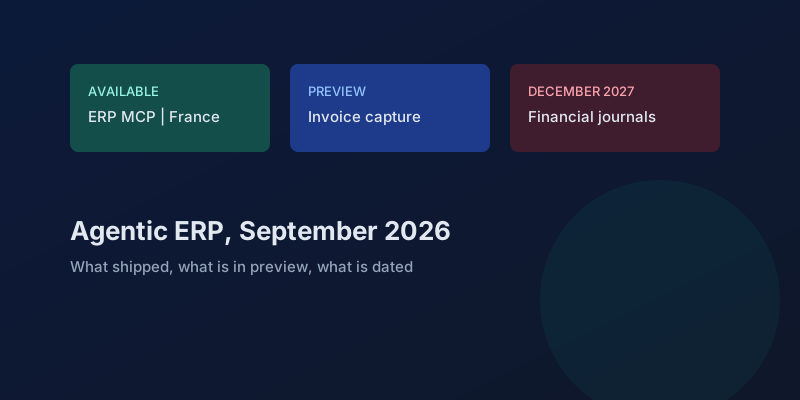
Agentic ERP in September 2026: What Is Available, in Preview, and Still a Date
A precise reading of Microsoft's 23 September 2026 Dynamics 365 ERP announcement, the 10.0.49 previews behind it, and the financial-journal dates that are not this fall.
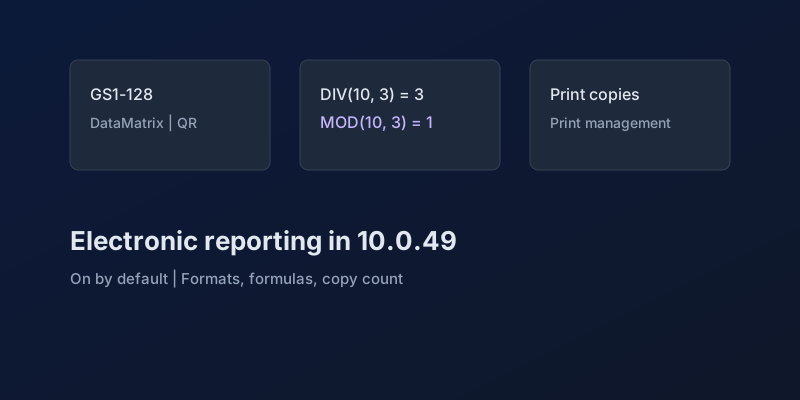
Electronic Reporting in Finance 10.0.49: GS1 Barcodes, DIV and MOD, and Copy Counts
What Dynamics 365 Finance 10.0.49 changes in Electronic Reporting without a feature debate — barcode formats, integer formulas, print copies — and which ER behaviors are now mandatory.
Newsletter
New posts, straight to your inbox
One email per post. No spam, no tracking pixels, unsubscribe anytime.
Comments
- No comments yet. Be the first.