Building a Balance Sheet and P&L with Financial Reporting in D365 Finance
Financial reporting in Dynamics 365 Finance — what everyone still calls Management Reporter — is the tool finance teams use to produce real, formatted statements straight from the GL. It pulls live from the Dynamics balances, so a refreshed report reflects today's postings. The learning curve is entirely about the building blocks, so let me lay them out the way I teach a new controller.
The four building blocks
A report definition is assembled from reusable components. You build each once and combine them:
- Row definition — the lines down the left side. Each row points at a main account or a range, plus optional dimension criteria. This is where the actual GL data is selected.
- Column definition — what runs across the top. Columns are types: financial data (FD), descriptions (DESC), calculations (CALC), totals, reporting unit references. A balance sheet column might be "current period actuals"; a budget-vs-actual report adds a budget column and a variance CALC column.
- Reporting tree — an organizational hierarchy that rolls reporting units (legal entities, departments, cost centers) up into parents. Optional, but essential for consolidated views.
- Report definition — the glue. It names a row, a column, optionally a tree, and sets the date range, period, currency, and output options.
You can reuse a single row definition across a dozen reports by pairing it with different columns. That reuse is the whole point; don't build monolithic one-off reports.
How rows pull from the main account and dimensions
Each data row has a Link to Financial Dimensions cell. Inside it you specify what the row selects. The two columns that matter most:
- The dimension you're filtering on (Main account by default, but any financial dimension).
- The value or range.
A revenue line might be:
Main account: 401100..409999
A row scoped to a single department layers a second dimension:
Main account: 600000..699999
Department:   [Sales]
You can use + to combine ranges and : (or .. depending on format) for spans. The crucial behavior: a row with no department restriction sums all departments for those accounts. That is exactly what you want on a company-wide statement and exactly wrong on a departmental one — a frequent source of "why are my numbers double."
Normal balance and sign
The row's Normal Balance setting controls sign handling. Liability, equity, and revenue accounts carry credit normal balances; setting this correctly means the report shows revenue as a positive number rather than a confusing negative. Get this right per row block or your P&L subtotals won't foot.
Generating a P&L
A profit and loss is mostly row work:
- Header rows (CALC type or formatted DESC rows) for "Revenue," "Cost of goods sold," etc.
- Data rows (FD) for each account range, each with a row code (like
R10,R20) so you can reference them in totals. - Total rows using a TOT formula that references those codes:
R10:R90sums a contiguous block, orR10+R20+R50for a hand-picked set. - A column definition with one FD column set to the reporting period and Actual.
The row codes are the addressing system for every calculation. Assign them deliberately and leave gaps (10, 20, 30) so you can insert later without renumbering downstream formulas.
Generating a balance sheet
Same machinery, two differences. First, the column FD type must report period balances (year-to-date / as-of) rather than period activity, because a balance sheet is a point-in-time snapshot — assets as of the close date, not the month's movement. Second, you'll want a totals discipline that proves Assets = Liabilities + Equity; build a check row that subtracts one side from the other and expect zero. If it's not zero, the usual culprit is a missing account range or a sign/normal-balance error, not a posting problem.
Reporting trees for rollups
The reporting tree is where consolidation happens. Each tree unit defines a "dimension value range" — the slice of the data that unit owns. You build a hierarchy like:
Total Company
  +-- USMF (legal entity)
  +-- USRT (legal entity)
        +-- Department 022 (Retail)
        +-- Department 024 (Wholesale)
When the report runs against the tree, each unit is rendered (a separate page or a summary), and parents sum their children. Two flavors of rollup you'll build constantly:
- Legal-entity rollup — units map to companies. Cross-company consolidation lives here. Watch currency: units in different functional currencies need the report definition's currency translation configured, or the parent total is meaningless.
- Departmental rollup — a single legal entity, units map to a financial dimension (Department or Cost center). The same row definition applies to every unit; the tree narrows the dimension for you, so the row definition itself should not hardcode a department.
That last point is the elegant part: build the row definition company-wide, and the tree slices it per unit automatically. Hardcoding departments into rows defeats the tree.
Dimension sets and performance
This is where reports go from "ten seconds" to "five minutes," so it's worth understanding the plumbing.
- Reporting dimension sets in the Financial reporting setup define which dimension combinations are pre-aggregated and available to reports. A row or tree can only filter on dimensions that exist in the dimension set the report uses.
- The default/main account set is fast but only lets you slice by main account. The moment you need Department or Cost center in rows or trees, you must use a set that includes those dimensions — and every dimension you add enlarges the cube the integration maintains.
- Adding a brand-new dimension to a set triggers a data update; on a large GL this can run a long time and isn't instant.
Performance tips that consistently pay off:
- Use the narrowest dimension set that satisfies the report. Don't run a simple trial balance against your widest set.
- Prefer ranges over long enumerated lists in rows;
400000..499999evaluates faster and is far more maintainable than fifty individual account rows. - Push slicing into the tree, not into every row. One tree definition is cheaper to maintain and reason about than department logic smeared across dozens of rows.
- Constrain the date range and period. Pulling 36 months of activity for a one-month statement wastes time.
- Watch suppressed rows. "Hide rows with no activity / no amount" makes statements readable but the engine still evaluates them; it's a display setting, not a performance one.
Refreshing and publishing
Reports don't auto-update on screen. When you generate or open a report, you can refresh it to pull current balances — useful right after a posting run during close. To distribute, you generate the report and publish it, after which it's available in the report library / financial reports list inside F&O for the finance team and viewers (without needing the report designer). For recurring distribution, schedule generation so the month-end pack is sitting ready rather than being built by hand at 11pm on the last day.
Build incrementally: get one clean P&L row definition foothold first, validate the totals foot, then add columns for budget/variance, then layer the tree for rollups. Every formatting flourish is secondary to rows that select the right accounts with the right sign.
Keep reading

crossCompany in X++: The Query That Mixes Legal Entities
A normal select stays in the current company. crossCompany returns every legal entity the user may read. How the company container, changeCompany, and OData differ.
Budget Control in Finance 10.0.49: Closed Periods, Reservations, and Broken Tracking
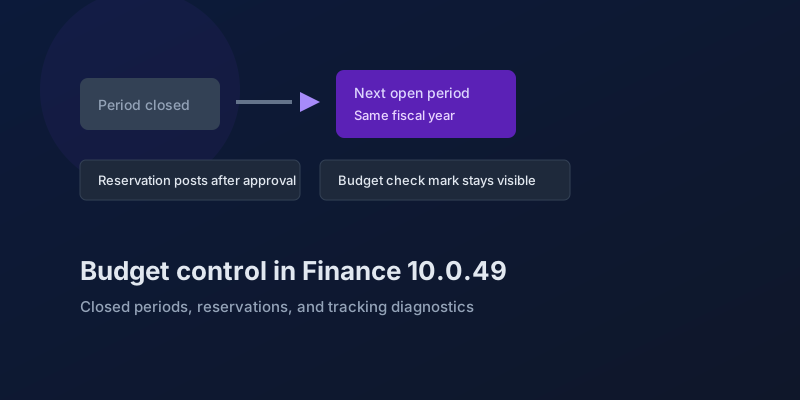
The budgeting features in Dynamics 365 Finance 10.0.49 — accounting-date advancement, reservation posting, encumbrance reporting, and a diagnostic for corrupt budget tracking.
Bank and Cash in Finance 10.0.49: Delayed Settlement, Match Preview, and Bridge Selection
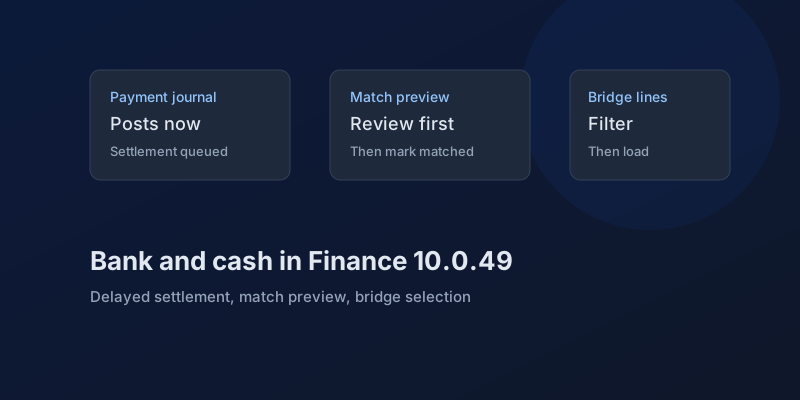
What Dynamics 365 Finance 10.0.49 changes in payment journals and bank reconciliation, which pieces are still preview, and which bank behaviors you can no longer disable.
D365 F&O 10.0.49: What to Regression-Test Before the October Auto-Update
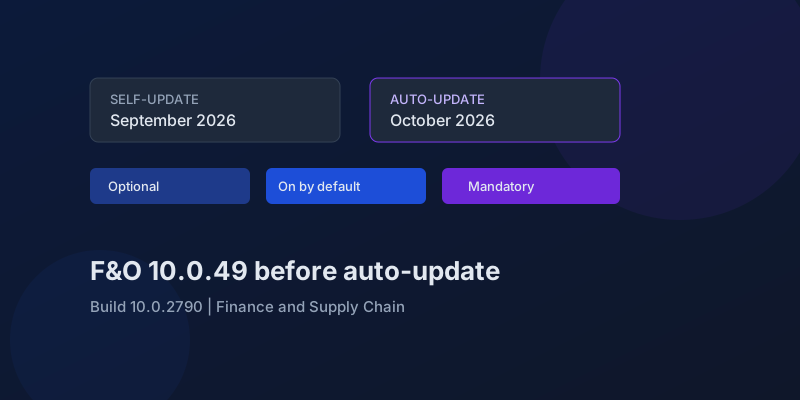
Finance and Supply Chain 10.0.49 (build 10.0.2790) is self-update in September 2026 and auto-update in October. Here is the feature-state triage that actually matters.

Agentic ERP in September 2026: What Is Available, in Preview, and Still a Date
A precise reading of Microsoft's 23 September 2026 Dynamics 365 ERP announcement, the 10.0.49 previews behind it, and the financial-journal dates that are not this fall.
Electronic Reporting in Finance 10.0.49: GS1 Barcodes, DIV and MOD, and Copy Counts
What Dynamics 365 Finance 10.0.49 changes in Electronic Reporting without a feature debate — barcode formats, integer formulas, print copies — and which ER behaviors are now mandatory.
Newsletter
New posts, straight to your inbox
One email per post. No spam, no tracking pixels, unsubscribe anytime.
Comments
- No comments yet. Be the first.