Query-Based vs RDP SSRS Reports in D365 Finance & Operations
SSRS is still the backbone of operational and document reporting in Dynamics 365 Finance & Operations — purchase orders, invoices, statements, and most printed business documents render through it. The first design decision on any new report is also the most consequential: query-based or Report Data Provider. Pick wrong and you'll either fight the framework or rewrite it. Here's how I decide and what the full stack looks like.
Query-based vs RDP
There are two ways to feed an SSRS report in F&O.
Query-based reports bind the design directly to an AOT query. You build a query (data sources, ranges, joins) in the application explorer, point the report dataset at it, and you're done. No business logic, no X++ for data shaping.
- Use it when the data you need is a straightforward selection and join across existing tables, and the layout maps cleanly onto those columns.
- It's fast to build, easy to maintain, and gives users automatic filter ranges from the query.
- It falls apart the moment you need computed values, multi-pass aggregation, data from external sources, conditional row generation, or anything that isn't expressible as a SELECT.
Report Data Provider (RDP) reports run an X++ class that populates a temporary table, and the report reads from that temp table.
- Use it whenever you need real business logic: calculations, looping, calling existing classes, formatting that depends on runtime conditions, or assembling rows from several sources.
- It's the right choice for documents (invoices, confirmations) where you typically have a header/line structure and need to apply number sequences, currency conversion, or print settings.
- More moving parts, but it's the only honest option once logic is involved.
My default: if I can't express the requirement as one query in under a minute, it's an RDP.
The RDP component stack
A full RDP report is a set of cooperating artifacts. Skip one and it won't run:
- Temporary table — the shape of the data the report renders. Set its table type to
TempDB(or InMemory for small sets). Every report column comes from a field here. - Data contract class — a parameter container decorated with
DataContractAttribute. Its parm methods (each markedDataMemberAttribute) become the report parameters the user fills in. - RDP (data provider) class — extends
SRSReportDataProviderBase(orSrsReportDataProviderPreProcessfor pre-processed). It reads the contract, does the work, and inserts into the temp table. - Controller class — extends
SrsReportRunController. Optional but recommended; it lets you set the report name, pre-process, override the dialog, and control which design runs. The menu item points at the controller. - UI Builder class (optional) — extends
SrsReportDataContractUIBuilderwhen you need to customize the parameter dialog: group fields, add lookups, run logic when a value changes. - Report design — built in the model in Visual Studio, bound to the temp table dataset.
- Output menu item — the entry point a user or a button invokes; it references the controller (or the report directly).
The wiring order matters. The menu item calls the controller, the controller resolves the contract and runs the RDP, the RDP fills the temp table, and SSRS renders the design from that table.
An RDP class and data contract sketch
Here's the minimal skeleton I start from. First the contract:
[DataContractAttribute]
public class CustOpenBalanceContract
{
    TransDate   asOfDate;
    CustGroupId custGroup;

    [DataMemberAttribute("AsOfDate")]
    public TransDate parmAsOfDate(TransDate _date = asOfDate)
    {
        asOfDate = _date;
        return asOfDate;
    }

    [DataMemberAttribute("CustGroup")]
    public CustGroupId parmCustGroup(CustGroupId _group = custGroup)
    {
        custGroup = _group;
        return custGroup;
    }
}
Then the data provider. The SRSReportParameterAttribute ties the contract to this class so the framework knows the parameter shape:
[SRSReportParameterAttribute(classStr(CustOpenBalanceContract))]
public class CustOpenBalanceDP extends SRSReportDataProviderBase
{
    CustOpenBalanceTmp tmp;   // the temp table

    [SRSReportDataSetAttribute(tableStr(CustOpenBalanceTmp))]
    public CustOpenBalanceTmp getCustOpenBalanceTmp()
    {
        select tmp;           // return the populated temp table
        return tmp;
    }

    public void processReport()
    {
        CustOpenBalanceContract contract = this.parmDataContract();
        TransDate   asOf  = contract.parmAsOfDate();
        CustGroupId group = contract.parmCustGroup();

        CustTable custTable;
        while select custTable
            where custTable.CustGroup == group
        {
            tmp.clear();
            tmp.AccountNum = custTable.AccountNum;
            tmp.Name       = custTable.name();
            tmp.Balance    = custTable.openBalanceMST(asOf); // real logic
            tmp.insert();
        }
    }
}
processReport is the method the framework calls; getCustOpenBalanceTmp is the dataset method SSRS binds to. The temp table buffer field names must match what the design expects.
Precision design vs auto design
Two ways to lay out the report:
- Auto design — the framework arranges the dataset into a table/matrix automatically. Quick, good for tabular operational reports and list output. Limited control over exact positioning.
- Precision design — full pixel-level control, built in the SSRS designer (RDL). This is what you use for any document that must look a specific way: invoices, checks, statements, anything customer-facing or regulated.
Rule: list/analytical output, auto design; pixel-exact business documents, precision design.
Parameters and the UI Builder
Out of the box, each DataMember in the contract becomes a dialog field, typed automatically (a date member gets a date picker). When the default dialog isn't enough, the UI Builder takes over: you override build() to add field groups, attach a custom lookup to a parameter, set default values, or wire a modified handler so changing one field filters another. A common case is replacing a plain string parameter with a proper lookup against a table so users pick a valid value rather than typing.
Printing and print management
For business documents, F&O layers print management on top of SSRS. It governs destination (screen, printer, email, file), number of copies, original vs copy designations, and per-document-type overrides at company, customer, or vendor level. Document reports (PO, sales invoice, packing slip) hook into print management so a user can configure, for example, "email the original to this customer and print two copies to the warehouse printer" without touching the report. When you build a document RDP, route it through the print management framework rather than hardcoding the destination — otherwise you lose all of that configurability and the business will ask for it within a week.
Start with the temp table and contract, get the RDP populating data you can verify with a quick job, then build the design last. Designing the layout before the data exists is the most common way I see these reports stall.
Keep reading
crossCompany in X++: The Query That Mixes Legal Entities
A normal select stays in the current company. crossCompany returns every legal entity the user may read. How the company container, changeCompany, and OData differ.
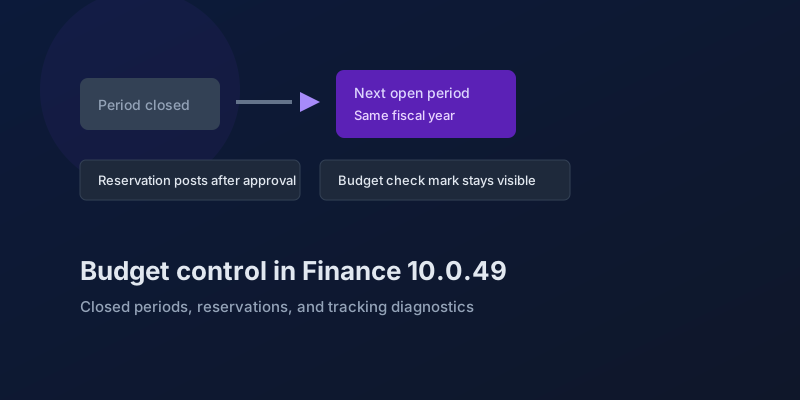
Budget Control in Finance 10.0.49: Closed Periods, Reservations, and Broken Tracking
The budgeting features in Dynamics 365 Finance 10.0.49 — accounting-date advancement, reservation posting, encumbrance reporting, and a diagnostic for corrupt budget tracking.
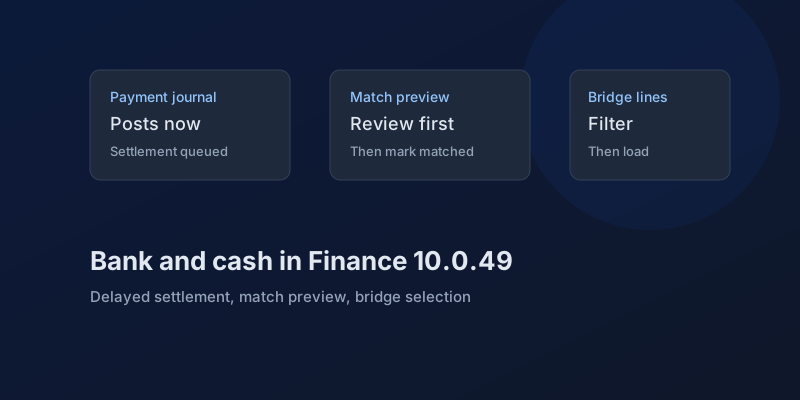
Bank and Cash in Finance 10.0.49: Delayed Settlement, Match Preview, and Bridge Selection
What Dynamics 365 Finance 10.0.49 changes in payment journals and bank reconciliation, which pieces are still preview, and which bank behaviors you can no longer disable.
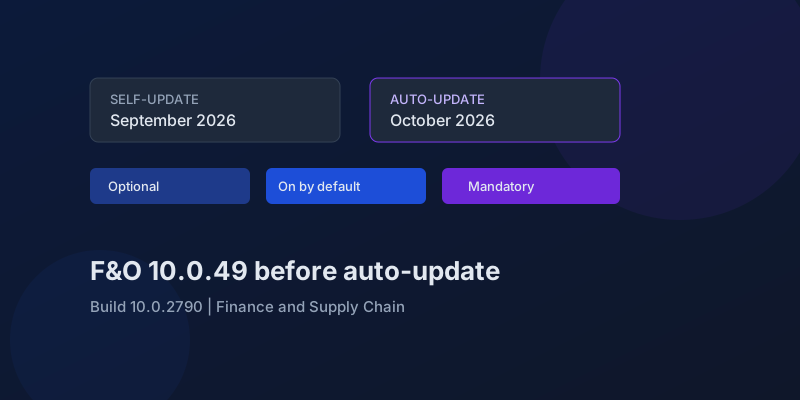
D365 F&O 10.0.49: What to Regression-Test Before the October Auto-Update
Finance and Supply Chain 10.0.49 (build 10.0.2790) is self-update in September 2026 and auto-update in October. Here is the feature-state triage that actually matters.
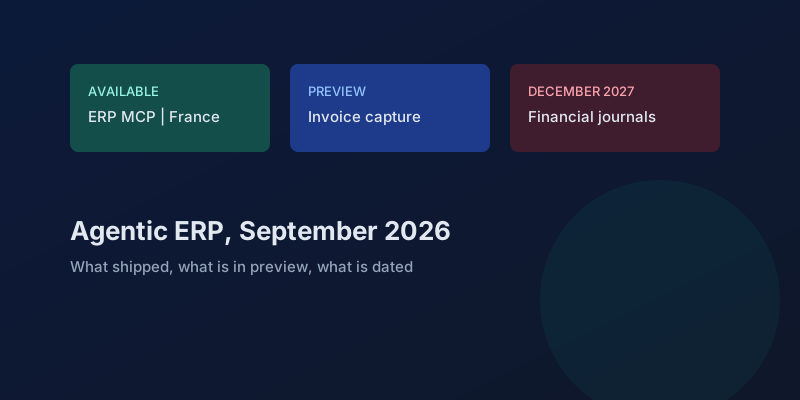
Agentic ERP in September 2026: What Is Available, in Preview, and Still a Date
A precise reading of Microsoft's 23 September 2026 Dynamics 365 ERP announcement, the 10.0.49 previews behind it, and the financial-journal dates that are not this fall.
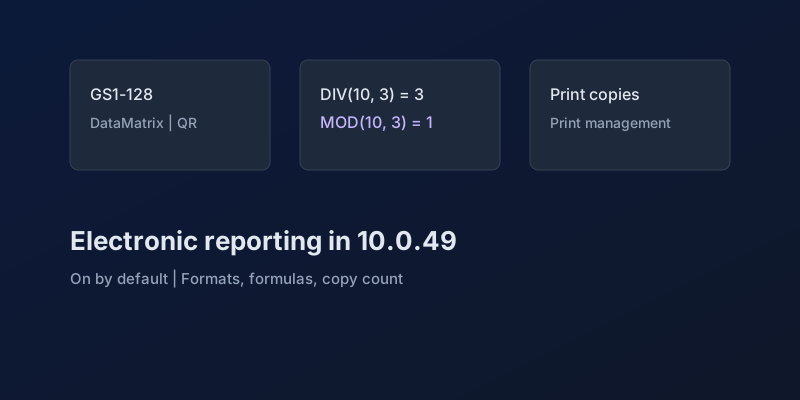
Electronic Reporting in Finance 10.0.49: GS1 Barcodes, DIV and MOD, and Copy Counts
What Dynamics 365 Finance 10.0.49 changes in Electronic Reporting without a feature debate — barcode formats, integer formulas, print copies — and which ER behaviors are now mandatory.
Newsletter
New posts, straight to your inbox
One email per post. No spam, no tracking pixels, unsubscribe anytime.
Comments
- No comments yet. Be the first.