Inventory Costing Methods in D365 Supply Chain: FIFO, Average, and Standard
Inventory costing is where finance and operations actually meet, and it's where I see the most confusion on D365 Supply Chain Management projects. People treat the costing method as a checkbox when it's really a decision that ripples into your inventory close, your COGS, and your margin reporting. Here's how the methods actually behave and how to pick one.
The methods
D365 supports the standard family of valuation methods, each setting how the system values an issue (a sale, a transfer out, a consumption):
- FIFO (First In, First Out) — issues are valued at the cost of the oldest receipts. In rising-cost environments this leaves newer, higher costs on the balance sheet and reports lower COGS.
- LIFO (Last In, First Out) — issues take the most recent receipt cost. Note LIFO is not accepted under IFRS, so it's effectively off the table for much of the world.
- Weighted average — at inventory close, all receipts in the period are pooled and a single average cost is applied to issues. Smooths out price volatility.
- Moving average — recalculates a running average cost on every receipt, applied immediately to subsequent issues. Unlike weighted average it does not depend on the inventory close to settle issues; the running average is the financial cost in real time.
- Standard cost — every item carries a predetermined cost. Receipts and issues post at standard; any difference from actual lands in variance accounts (purchase price variance, etc.). Great for manufacturing control, demanding on maintenance.
A key distinction: FIFO, LIFO, and weighted average are inventory-close-dependent — issues get a running estimate during the period and are settled to the correct cost at close. Moving average and standard cost are not close-dependent in the same way; their cost is determined at transaction time.
Item model groups drive everything
You don't set the costing method on the item directly — you set it on the item model group, then assign that group to items. The item model group controls:
- Inventory model — the FIFO / LIFO / weighted average / moving average / standard choice above.
- Physical and financial negative inventory — whether you allow going negative before receipts catch up.
- Include physical value — whether physically-updated (but not yet invoiced) receipts feed into running average cost estimates.
- Post to inventory / post physical inventory — whether and when ledger postings happen.
- Stocked product flag — non-stocked items bypass costing entirely.
Group items by costing behavior, not by product category. All your standard-cost manufactured goods share a group; your FIFO purchased trade goods share another. Don't proliferate groups.
Physical vs financial updates
This is the concept that unlocks the rest. Every inventory transaction has two update stages:
- Physical update — the goods moved. A product receipt (goods received, not yet invoiced) or a packing slip (shipped, not yet invoiced) is a physical update. It changes on-hand quantity and can post to "received not invoiced" / "shipped not invoiced" interim ledger accounts.
- Financial update — the money settled. The vendor invoice or customer invoice is the financial update. This is the cost that ultimately matters for valuation.
Because these happen at different times, running balances can legitimately go negative temporarily, and quantities and values can briefly diverge. You might ship and invoice a sale (issue) before the matching purchase invoice (financial receipt) arrives — so the system has a physical quantity but no settled financial cost yet for that layer. The engine assigns a running average estimated cost to keep COGS moving, and corrects it later. This is not a bug; it's the whole reason inventory close exists. If your item model group permits financial negative inventory, the system tolerates this gap rather than blocking the transaction.
Inventory close and recalculation
The inventory close is the periodic settlement that matches issues to receipts according to the costing method and posts cost adjustments for the difference between the running estimate and the settled cost.
- For FIFO, close matches each issue to the oldest available receipts and adjusts the issue's cost to the real layered cost.
- For weighted average, close pools the period's receipts, computes the average, and settles issues to it.
- The close produces inventory adjustment entries — these are the corrections, and they hit COGS/inventory to true up the estimates posted during the period.
Recalculation is the lighter-weight cousin: it re-estimates running average costs without performing the permanent settlement that close does. Run recalculation during the period for better interim numbers; run close at period end to lock it.
Two hard rules from experience:
- Don't post into a closed period. Reopening a close and reprocessing is painful; control your sub-ledger cutoffs.
- Close in date order and resolve marking/errors first. The close will skip or mis-settle if there are open quantity issues, and you'll chase phantom adjustments.
A worked example: FIFO vs weighted average
Suppose these receipts and one issue for a single item:
Jan 3   Receive 100 units @ $10.00  = $1,000
Jan 12  Receive 100 units @ $14.00  = $1,400
Jan 20  Issue (sell) 120 units
FIFO consumes the oldest layers first:
First 100 units  @ $10.00 = $1,000
Next   20 units  @ $14.00 =   $280
COGS for 120 units        = $1,280
Remaining on hand: 80 units @ $14.00 = $1,120
Weighted average pools the receipts at close:
Total cost  = $1,000 + $1,400 = $2,400
Total units = 200
Average cost = $2,400 / 200 = $12.00 per unit
COGS for 120 units = 120 x $12.00 = $1,440
Remaining on hand: 80 units @ $12.00 = $960
Same physical activity, a $160 difference in COGS for the period ($1,280 vs $1,440), and a different ending inventory value ($1,120 vs $960). In a rising-cost period FIFO reports higher profit and a higher inventory asset; weighted average smooths it. Multiply across thousands of SKUs and the method choice is a material number on your financial statements.
Note: during January, before the close ran, the issue would carry a running average estimate; the figures above are the settled costs the inventory close produces.
Choosing a method for a real business
- Distribution / trade goods, volatile purchase prices — FIFO is the common default. It matches physical flow for perishables and gives clean layer tracking. Most clients I work with land here.
- Commodities or high-volume fungible stock where price smoothing matters — weighted or moving average. Moving average if stakeholders want real-time costs without waiting for close.
- Manufacturing with stable BOMs and a need for variance analysis — standard cost. The variance accounts are a feature: they tell you exactly where actual diverged from plan. Budget for the cost-roll maintenance, because stale standards quietly corrupt margins.
- Anywhere under IFRS — not LIFO.
Whatever you choose, lock it down per item model group early and don't switch methods on items mid-stream — changing an item's inventory model after transactions exist is restricted for good reason, since it would invalidate the settlement history. Decide deliberately, document why, and let the inventory close do its job.
Keep reading
crossCompany in X++: The Query That Mixes Legal Entities
A normal select stays in the current company. crossCompany returns every legal entity the user may read. How the company container, changeCompany, and OData differ.
Budget Control in Finance 10.0.49: Closed Periods, Reservations, and Broken Tracking
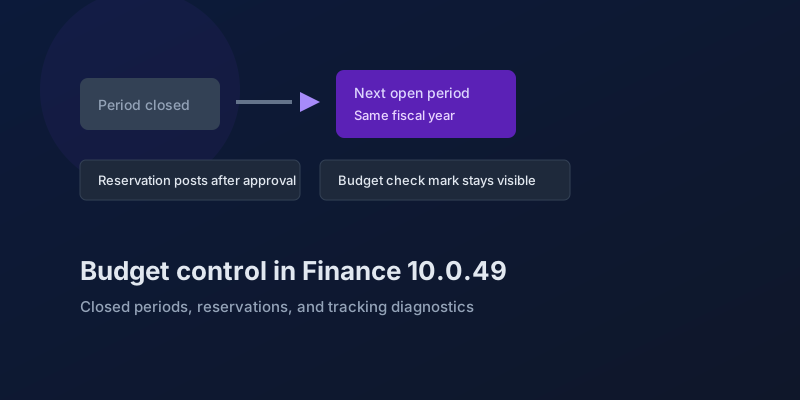
The budgeting features in Dynamics 365 Finance 10.0.49 — accounting-date advancement, reservation posting, encumbrance reporting, and a diagnostic for corrupt budget tracking.
Bank and Cash in Finance 10.0.49: Delayed Settlement, Match Preview, and Bridge Selection
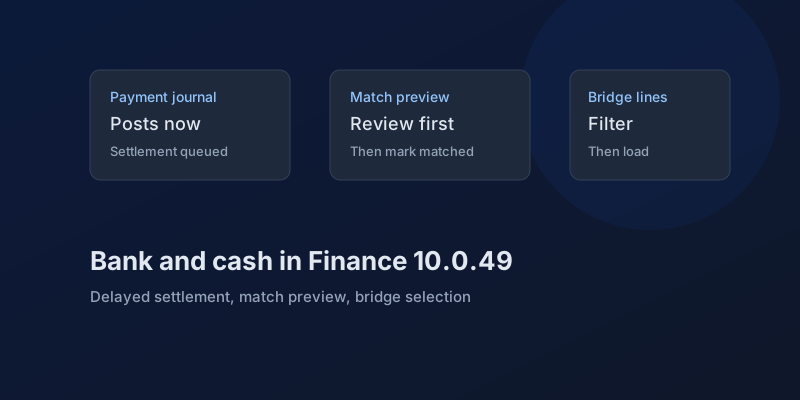
What Dynamics 365 Finance 10.0.49 changes in payment journals and bank reconciliation, which pieces are still preview, and which bank behaviors you can no longer disable.
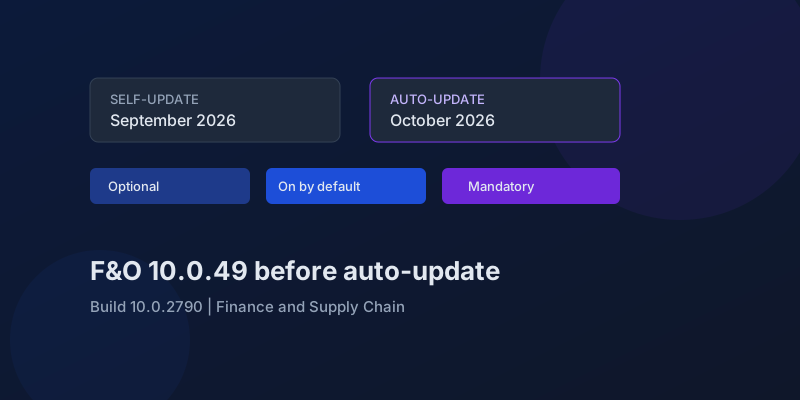
D365 F&O 10.0.49: What to Regression-Test Before the October Auto-Update
Finance and Supply Chain 10.0.49 (build 10.0.2790) is self-update in September 2026 and auto-update in October. Here is the feature-state triage that actually matters.
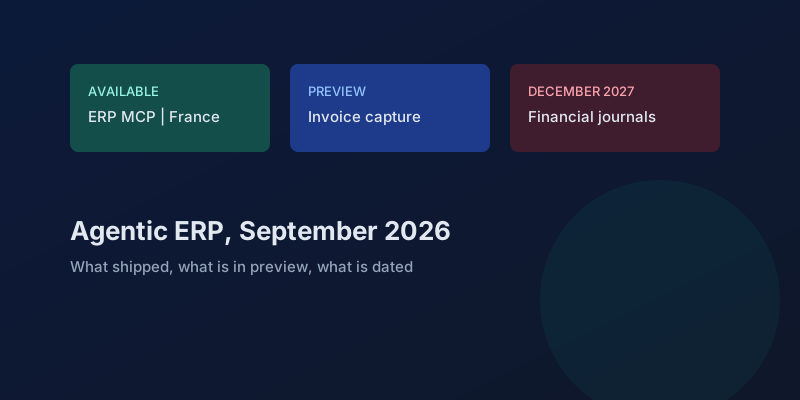
Agentic ERP in September 2026: What Is Available, in Preview, and Still a Date
A precise reading of Microsoft's 23 September 2026 Dynamics 365 ERP announcement, the 10.0.49 previews behind it, and the financial-journal dates that are not this fall.
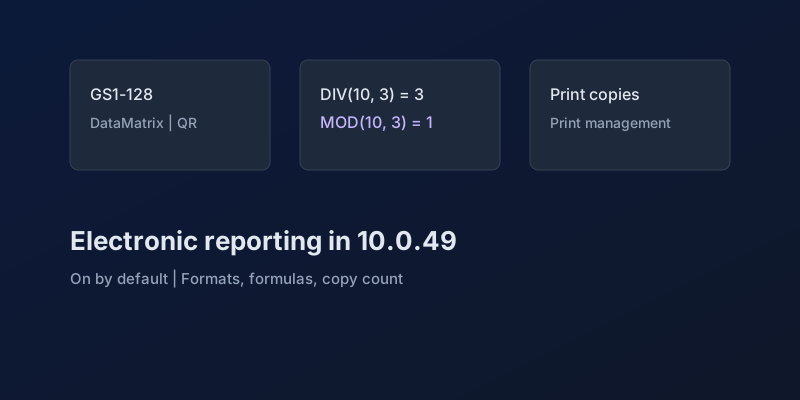
Electronic Reporting in Finance 10.0.49: GS1 Barcodes, DIV and MOD, and Copy Counts
What Dynamics 365 Finance 10.0.49 changes in Electronic Reporting without a feature debate — barcode formats, integer formulas, print copies — and which ER behaviors are now mandatory.
Newsletter
New posts, straight to your inbox
One email per post. No spam, no tracking pixels, unsubscribe anytime.
Comments
- No comments yet. Be the first.