Dataverse Triggers in Power Automate: Select Columns or the Flow Wakes Up for Nothing
In this series: Power Automate gotchas

A Dataverse "when a row is added, modified, or deleted" trigger with no column filter is a timer that fires on every autosave. The flow runs, the condition at the top says the status did not change, and you still paid for the run. On a busy account or case table that is hundreds of runs a day that exist only to exit.
Select columns is the fix, and it is narrower than people think. It does not mean "only send me these fields in the body." It means "only start the flow when one of these columns changes." If you list statuscode and someone edits the description, the flow does not run. That is what you wanted. It is also how you silently drop the update you meant to catch, if the column that matters is a lookup you forgot to name.
What to put in the two boxes
| Setting | Put this | Leave it empty when |
|---|---|---|
| Select columns | Logical names, comma-separated, no spaces that you did not mean | You truly must react to any column, including system fields |
| Filter rows | An OData filter on the row after the change, such as statecode eq 0 | You need the flow for every status, and you will branch inside |
Logical names, not display names. statuscode, not "Status Reason." A lookup column is the logical name of the relationship field (customerid), not the name of the target table. If the trigger never fires in a test where you changed exactly that field, the name is wrong. Check it on the column in the maker portal, or with a Web API metadata call, before you blame the environment.
Filter rows is not a substitute for Select columns. A filter that says statuscode eq 1 still wakes the flow on a description edit, evaluates the filter, and stops. You saved the actions after the trigger. You did not save the trigger. Use both when the business rule is "only when status becomes Active on an open row."
The test that proves the filter
- Turn the flow on in a sandbox. Change a column that is not in Select columns. Confirm there is no new run.
- Change a column that is listed. Confirm one run, and that the body contains the new value.
- Change two listed columns in one save. Confirm one run, not two.
- If you also set Filter rows, make a change that updates a selected column but fails the filter. Confirm the run is skipped, not failed.
That last distinction matters for alerting. A skipped trigger is success. A failed condition inside the flow is a red mark and, if you page on failure, a false alarm. Keep the "do I care" decision in Select columns and Filter rows. Keep real failures — a downstream HTTP 500, a missing lookup — in the actions, with a scope that reports them.
What Select columns will not do
It will not see a change that Dataverse did not record as a column update. A rollup that recalculates in the background, a workflow that writes the same value again, and some calculated columns do not produce the trigger you expect. If the requirement is "when the rollup total crosses 10,000," poll or use a different signal. Do not widen Select columns to every column on the table and hope.
It also will not shrink the payload of a "get a row" you add later. Select columns on the trigger limits when you start. A Get row action later should set its own column list if the flow only needs three fields. Otherwise you pulled the whole row back after you were careful at the door.
Turn this on for the noisiest flow first, the one whose history is mostly "condition was false." Count runs for a day before and after. If the count does not drop, the column list is either empty or includes a field that changes on every save, such as modifiedon. Take modifiedon off the list. It changes whenever anything changes, which makes the filter a no-op.
Keep reading
Power Automate Trigger Conditions: The Run That Never Appears
A trigger condition that is false does not start a run and does not leave run history. How the expression differs from a Condition action, and how to see the skipped checks.

Power Platform September 2026 Update: The App-Builder Skill, Agent Plugins, and the Refreshed Model-Driven UI
What matters in Microsoft's September 2026 Power Platform feature update: the model app-builder skill goes GA, the canvas authoring agent plugin goes GA, generative pages embed in forms and reach connectors, model-driven header refresh is GA with display density in preview, and Power Automate gets server-side search.
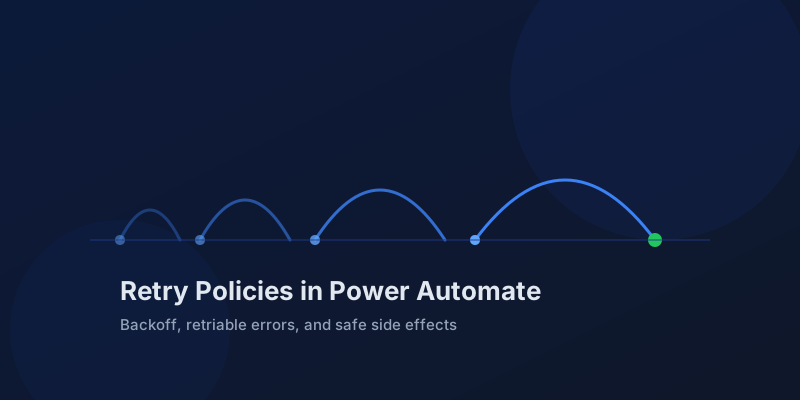
Retry Policies in Power Automate: What Actually Happens When an Action Fails
How Power Automate retry policies work, which errors they cover, how to configure them, and how to keep retries from duplicating side effects.
Resilient Power Automate: Retry Policies and Dead-Letter Patterns
Transient failures are normal in any flow that calls an API. The difference between a flow that self-heals and one that pages you at 2 a.m. is how you handle retries and the failures that stick.
15 Power Automate Expressions Every Maker Should Memorize
Memorize these Power Automate expressions to build faster flows, handle nulls, shape arrays, format dates, reduce action count, and debug WDL.

Calling the Dataverse Web API from Power Automate with the HTTP Action
Learn when to call the Dataverse Web API from Power Automate for actions, functions, batch requests, impersonation, row association, and binds.
Newsletter
New posts, straight to your inbox
One email per post. No spam, no tracking pixels, unsubscribe anytime.
Comments
- No comments yet. Be the first.