Power Platform September 2026 Update: The App-Builder Skill, Agent Plugins, and the Refreshed Model-Driven UI
In this series: Power Automate gotchas

Microsoft's September 2026 Power Platform feature update, published September 17, is long. Most of it is training links. A handful of items change how makers build and how users see apps, and two of those are generally available, which means they will show up in your tenants whether or not anyone planned for them. Here is the short list, with what to do about each.
Release plans stopped being published this month. New capabilities now go to the AI at Work roadmap, so the monthly update is the closest thing to a change log for the platform. The October wave 2 deployment is build 9.2.26093, rolling by region from October 2 through October 26.
Generally available: build a whole model-driven app from a description
Generative pages let a maker generate one page. The model app-builder skill, now GA, extends that to the whole application. You use it from a coding agent — Microsoft names GitHub Copilot CLI and Claude Code — and describe the business process. The skill produces a plan built from user personas and the jobs they need to do, and the plan covers tables, columns, relationships, and sample data; forms, views, and charts; generative pages; a sitemap with icons; JavaScript validation rules on forms; security roles derived from the personas; and, recently, business process flows and business rules.
Nothing is created until you approve the plan. Everything it produces is a standard Power Apps and Dataverse artifact, so you can keep iterating with the skill or switch to the designers.
What to do: treat the plan review as the governance step. The skill will propose security roles. Those roles become real. Someone who understands your environment's security model should read them before approval, the same as any solution import. Run it in a development environment with environment routing, never in a shared environment.
Generally available: canvas apps through a coding agent
The canvas authoring agent plugin is GA. It lets a coding agent create, inspect, and update canvas apps through agent-driven interactions, with MCP support behind it. This is the canvas counterpart to the app-builder skill, aimed at the repetitive parts of authoring: structure and controls.
What to do: pair it with the Update all control-update surface, also new this month, which converts eligible classic controls to modern controls in bulk on the current screen, with undo. Microsoft's own caution applies to both: review affected formulas afterward, because property names, enum values, and behaviors change between classic and modern controls. An agent that rewrites a screen and a bulk update that renames properties can leave the same formula broken twice.
Generative pages: inside the form, and beyond Dataverse
Two changes to generative pages. First, a generative page can now sit inside a model-driven form, in a section or a tab. Build the page to accept a recordId input parameter and the form passes the current record id automatically. That is the mixed layout people have asked for: standard fields for data entry, a generated experience for the part of the record that needs it.
Second, in public preview, generative pages can use Power Platform connectors, not only Dataverse. The page targets existing connection references in the environment; in the designer you pick the connector and the data under add data, and with an AI tool you describe the data and the agent walks you through the binding. SharePoint and SQL are the examples Microsoft gives.
What to do: connection references in a generative page are a DLP and ALM question. The page deploys with the binding, so the target environment needs the same connection reference. The delegation and performance rules of the connector still apply to the page; a SharePoint list is not faster because an agent bound it.
Model-driven apps: the header refresh is GA, density is preview
Version 2609.1 makes the header and navigation refresh generally available: a simpler header, a sitemap that is easier to scan, and more working space on forms. The command bar is the only element fixed at the top; the summary area and form header scroll with the form, and a condensed sticky header appears once the header scrolls away. It remains opt-in at GA, and apps that already enabled it get the new behavior automatically.
Display density enters preview with three levels — comfortable (default), cozy, compact — settable per app as a default and per user in personal settings. It requires the header refresh and is enabled by default once that is on.
What to do: if you enabled the header refresh in preview, your users already have the GA version and will get density next. Decide the app default now. Compact is what power users want and what screenshots in your training material will no longer match.
Power Automate: search that actually searches, and agents as actions
Server-side search in My Flows sends the query to the service and returns matches from every flow in the environment, instead of filtering the flows already loaded in the browser. If you manage hundreds of flows, this is the fix for "I know it exists but the list stops at 50." Quick start cards on the home page are entry points for common scenarios, aimed at new makers.
Three new documentation topics point at capabilities worth knowing: calling Microsoft Copilot Studio agents from Power Automate, assigning a user license to a flow owned by a service principal, and creating a user-credential mapping. The first turns an agent into an action in a flow. The second closes a licensing gap for flows that run as an app registration rather than a person. Flows that call agents are the pattern to watch; a flow that invokes a Copilot Studio agent that invokes a flow is a loop you should design against.
Smaller items that still land on users
Six more Fluent 2 screen templates for canvas apps, replacing the classic-control templates. A modern progress bar (determinate and indeterminate, Power Fx values, theme-aware), plus modern avatar and spinner. Reliability work on the date picker and reset behavior. Power Series, twenty hands-on labs from the Power CAT team. Power Platform Community Conference on October 27 to 29 in Las Vegas.
If you own an environment, three actions cover the month: read the app-builder skill's plans before approving them, set the model-driven density default, and check that any generative page that reaches a connector has a matching connection reference in every environment it will deploy to. The rest is worth trying in a developer environment first.
Keep reading
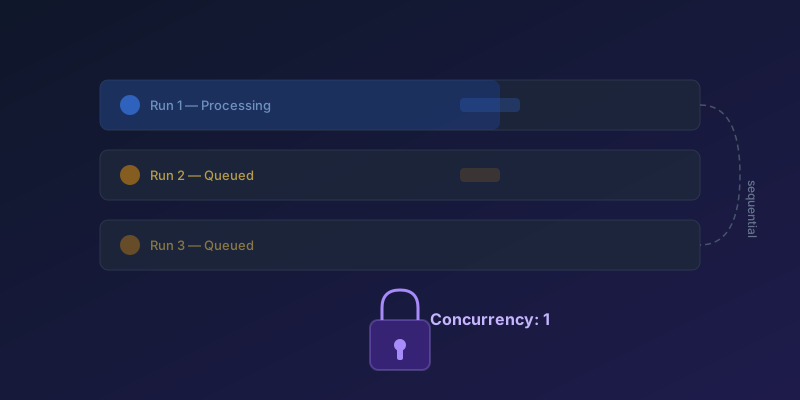
Concurrency Control in Power Automate: Preventing Duplicate Runs
How to configure concurrency limits on scheduled and trigger-based flows to prevent data corruption and race conditions — including split-on, Apply to each, and queued-run limits.
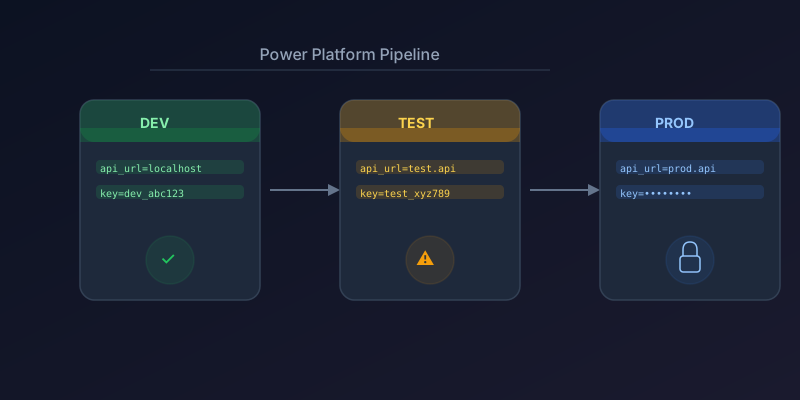
Managing Environment Variables Across Dev, Test, and Prod in Power Platform
How to use environment variables, connection references, and solution-aware configuration for clean ALM in Power Platform.
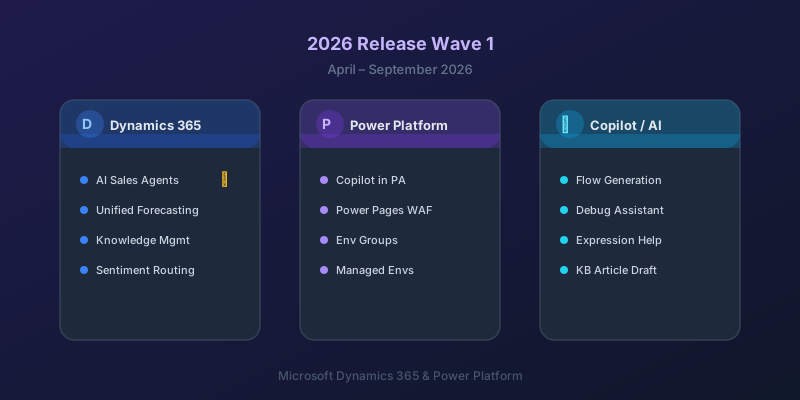
What's New in Dynamics 365 and Power Platform — 2026 Release Wave 1
The standout features from Microsoft's 2026 Release Wave 1 for Dynamics 365 and Power Platform, and what they mean for your projects.
Power Automate Trigger Conditions: The Run That Never Appears
A trigger condition that is false does not start a run and does not leave run history. How the expression differs from a Condition action, and how to see the skipped checks.
Dataverse Triggers in Power Automate: Select Columns or the Flow Wakes Up for Nothing
How Select columns and Filter rows on a Dataverse trigger cut wasted runs, and the row-version mistakes that make a flow miss the change it was built for.
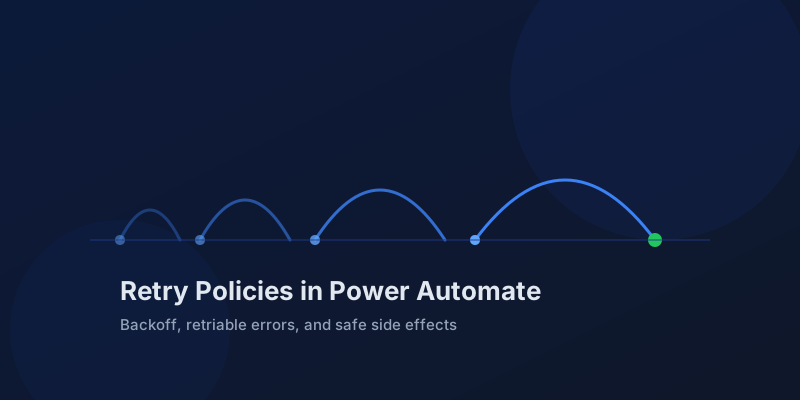
Retry Policies in Power Automate: What Actually Happens When an Action Fails
How Power Automate retry policies work, which errors they cover, how to configure them, and how to keep retries from duplicating side effects.
Newsletter
New posts, straight to your inbox
One email per post. No spam, no tracking pixels, unsubscribe anytime.
Comments
- No comments yet. Be the first.