Power Automate Trigger Conditions: The Run That Never Appears
In this series: Power Automate gotchas
A Condition action inside a flow is too late. The trigger has already fired, the run exists, and the check counts toward Power Platform request limits. A trigger condition is earlier. Microsoft's documentation is direct: if the condition is not met, the flow is not triggered, and no run history is logged. That is what you want for "only when status becomes Approved." It is also why the flow looks dead when the expression is wrong.
The expression is not a Condition card
Open the trigger, then Settings, then Trigger conditions. Each condition starts with @. If you add several, all of them must be true. Optional logic is one expression that uses or.
@equals(triggerOutputs()?['body/statuscode'], 1)

@or(equals(triggerBody()?['Status'], 'Approved'), equals(triggerBody()?['Status'], 'Rejected'))
The first form is the Dataverse-shaped one: a choice column often arrives as a number in the trigger body, not as the label on the form. The second is the shape you get from other connectors, where the field is a string. Neither is something to guess. Take the condition off, let one run succeed, and read the trigger output. Put the condition back using the property names and the types you just saw.
The ? matters. A path that does not exist then evaluates as empty, and equals against it is false, so the check is skipped. Without it, a missing property fails the expression. You still do not get a normal run to inspect. You get a trigger that is not doing what you think.
Where the skipped events go
Run history stays empty on purpose. The troubleshooting guide tells you to look at the trigger checks: a skipped check means the condition was not met and the flow was not started. If you expected a run, that is the place to confirm the event arrived and the expression rejected it. It is not evidence that the connector is down.
Two other filters sit next to this and are easy to mix up. A Dataverse trigger's column filter, covered in select columns, decides whether an update wakes the trigger at all. The trigger condition decides whether a wake-up becomes a run. A Condition action after that, including the scope pattern in try, catch, and run-after, only sees runs that already started. Use the trigger condition for the high-volume reject. Use the Condition action when both branches need to do something, or when you need the failed check written down inside the run.
A condition you can test
Write the expression in a Compose action on a flow that still has no trigger condition, and compare the Compose output to true or false against a payload you recognize. Then move that expression to the trigger. A condition that references the display name of a choice, or a column the trigger does not return, will look identical in the designer and will skip every event. The designer does not evaluate it. The next real row does.
Keep reading

Power Platform September 2026 Update: The App-Builder Skill, Agent Plugins, and the Refreshed Model-Driven UI
What matters in Microsoft's September 2026 Power Platform feature update: the model app-builder skill goes GA, the canvas authoring agent plugin goes GA, generative pages embed in forms and reach connectors, model-driven header refresh is GA with display density in preview, and Power Automate gets server-side search.
Dataverse Triggers in Power Automate: Select Columns or the Flow Wakes Up for Nothing
How Select columns and Filter rows on a Dataverse trigger cut wasted runs, and the row-version mistakes that make a flow miss the change it was built for.
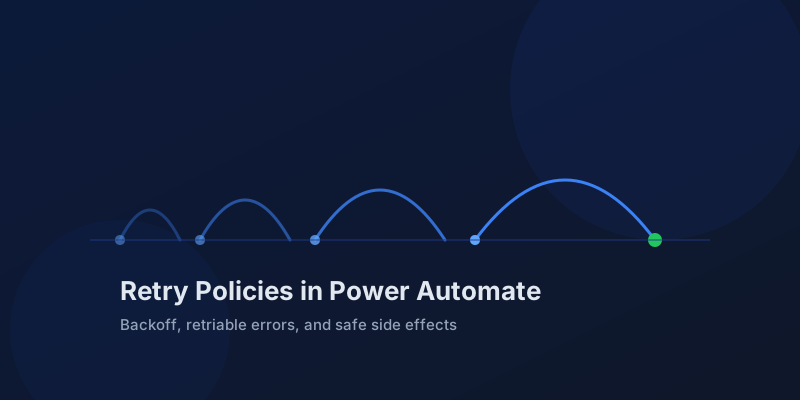
Retry Policies in Power Automate: What Actually Happens When an Action Fails
How Power Automate retry policies work, which errors they cover, how to configure them, and how to keep retries from duplicating side effects.
Resilient Power Automate: Retry Policies and Dead-Letter Patterns
Transient failures are normal in any flow that calls an API. The difference between a flow that self-heals and one that pages you at 2 a.m. is how you handle retries and the failures that stick.

15 Power Automate Expressions Every Maker Should Memorize
Memorize these Power Automate expressions to build faster flows, handle nulls, shape arrays, format dates, reduce action count, and debug WDL.

Calling the Dataverse Web API from Power Automate with the HTTP Action
Learn when to call the Dataverse Web API from Power Automate for actions, functions, batch requests, impersonation, row association, and binds.
Newsletter
New posts, straight to your inbox
One email per post. No spam, no tracking pixels, unsubscribe anytime.
Comments
- No comments yet. Be the first.