Concurrency Control in Power Automate: Preventing Duplicate Runs
In this series: Power Automate gotchas
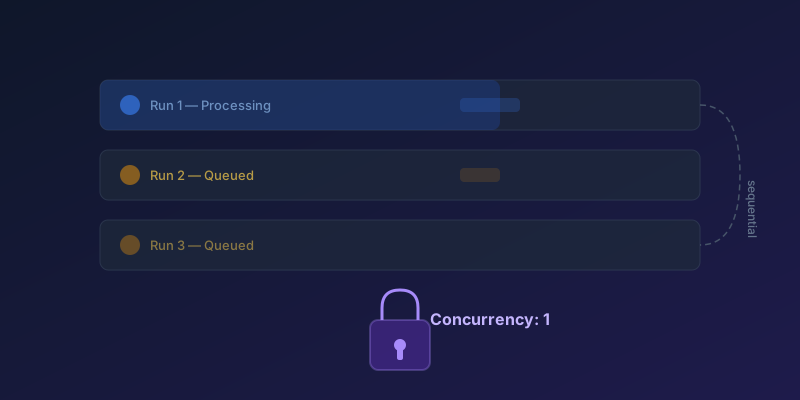
If your scheduled Power Automate flow processes records from a shared data source, concurrent runs can cause duplicate processing, data corruption, or throttling. Here is how to control it.
The Default Behavior
By default, trigger-based flows run with concurrency control off — the platform fires every triggered run as it arrives, in parallel, with no upper bound on overlap. When you turn concurrency control on, the default Degree of Parallelism is 20, configurable from 1 up to 50. For scheduled flows, if a previous run hasn't finished when the next schedule triggers, both run simultaneously.
This is fine for stateless notifications. It is a problem for anything that reads, transforms, and writes data.
Setting Concurrency Control
On Triggers
- Click the trigger action (e.g., Recurrence or When an item is created)
- Go to Settings
- Toggle Concurrency Control to On
- Set Degree of Parallelism to
1
With parallelism set to 1, only one instance of the flow runs at a time. Additional triggers queue up and execute sequentially.
On Apply to Each Loops
The same setting exists on Apply to each actions:
- Click Settings on the Apply to each
- Toggle Concurrency Control to On
- Set the degree of parallelism (1 for sequential, higher for parallel)
Setting this to 1 processes items one at a time — slower but safe when order matters or when you are hitting API rate limits.
When to Use Each Setting
| Scenario | Trigger Concurrency | Loop Concurrency |
|---|---|---|
| Batch processing records | 1 | 1-5 |
| Sending notifications | Default (off / unbounded) or DoP 20 | 10-20 |
| Updating a shared counter | 1 | 1 |
| Independent API calls | Default | 20-50 |
The Queue Behavior
When concurrency is set to 1 and multiple triggers fire, the extra runs enter a queue. Important details:
- The waiting-runs limit is configurable via the trigger's settings — the range Microsoft documents is roughly 10 plus the Degree of Parallelism, up to 100. The default is on the small end of that range, so don't assume you have headroom for thousands of waiting runs
- Runs that overflow the queue can still be retried by the calling connector (the platform won't drop them silently — but the retry semantics depend on the connector)
- You can monitor queued runs in the flow's run history
Split-on vs Trigger Concurrency
Array triggers (SharePoint "When an item is created" on a batch, Service Bus, HTTP with a JSON array) often split the payload into one run per item. Concurrency control on the trigger then applies to those split runs, not to the original batch.
If you need "process this array as one unit," turn Split on off. If you need "process each item, but never two at once," leave Split on enabled and set Degree of Parallelism to 1.
These are different knobs. Setting one and not the other is the usual reason a flow still double-writes after "we turned concurrency on."
Combining with Duplicate Detection
Even with concurrency control, design your flows defensively:
- Idempotent operations: make sure running the same action twice produces the same result
- Status fields: mark records as "processing" before starting, "completed" when done
- Timestamp checks: skip records that were already processed within a time window
Key Takeaway
Set trigger concurrency to 1 for any flow that modifies shared data. The performance trade-off is almost always worth the data integrity guarantee. Parallel execution is an optimization — reach for it only when you have confirmed your logic is safe to run concurrently.
Keep reading

Power Platform September 2026 Update: The App-Builder Skill, Agent Plugins, and the Refreshed Model-Driven UI
What matters in Microsoft's September 2026 Power Platform feature update: the model app-builder skill goes GA, the canvas authoring agent plugin goes GA, generative pages embed in forms and reach connectors, model-driven header refresh is GA with display density in preview, and Power Automate gets server-side search.
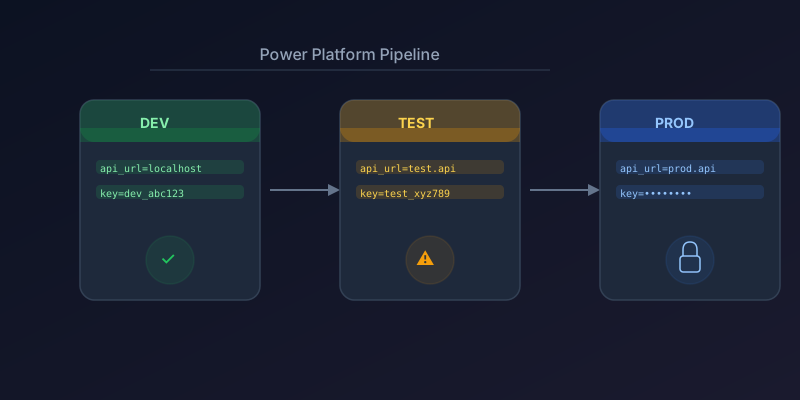
Managing Environment Variables Across Dev, Test, and Prod in Power Platform
How to use environment variables, connection references, and solution-aware configuration for clean ALM in Power Platform.
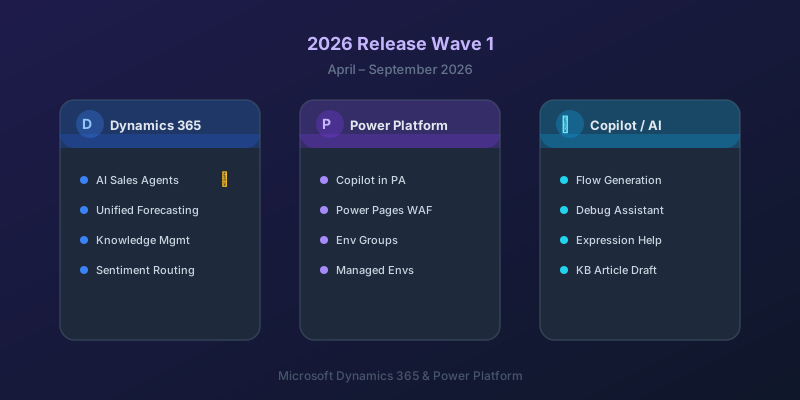
What's New in Dynamics 365 and Power Platform — 2026 Release Wave 1
The standout features from Microsoft's 2026 Release Wave 1 for Dynamics 365 and Power Platform, and what they mean for your projects.
Power Automate Trigger Conditions: The Run That Never Appears
A trigger condition that is false does not start a run and does not leave run history. How the expression differs from a Condition action, and how to see the skipped checks.
Dataverse Triggers in Power Automate: Select Columns or the Flow Wakes Up for Nothing
How Select columns and Filter rows on a Dataverse trigger cut wasted runs, and the row-version mistakes that make a flow miss the change it was built for.
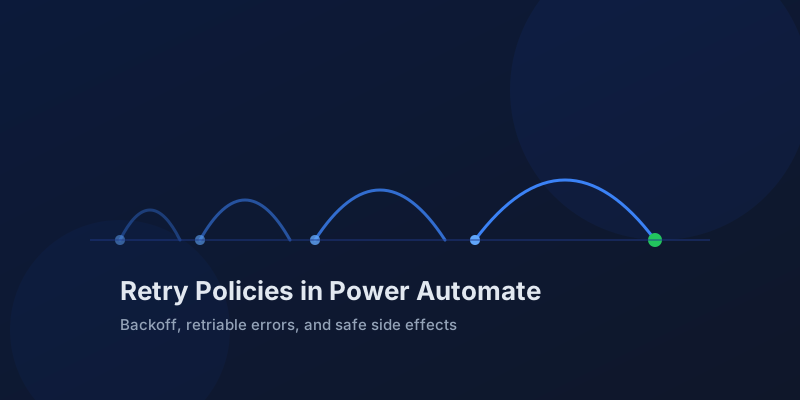
Retry Policies in Power Automate: What Actually Happens When an Action Fails
How Power Automate retry policies work, which errors they cover, how to configure them, and how to keep retries from duplicating side effects.
Newsletter
New posts, straight to your inbox
One email per post. No spam, no tracking pixels, unsubscribe anytime.
Comments
- No comments yet. Be the first.