Elastic Tables in Dataverse: When Cosmos-Backed Storage Beats Standard Tables
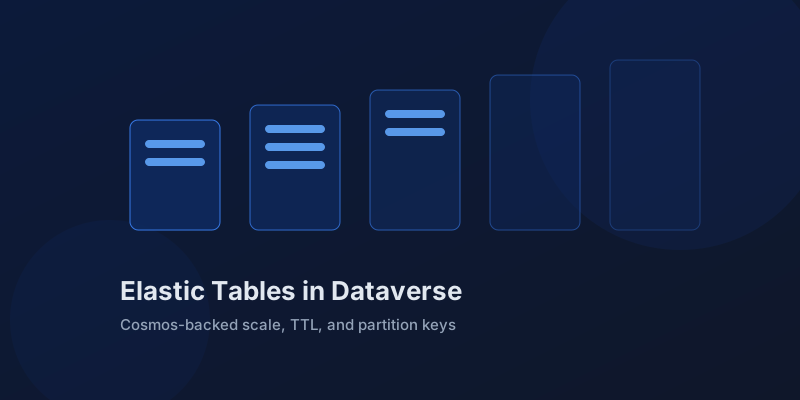
Standard Dataverse tables are relational: transactions, plug-in pipelines, rollups, cascading relationships. That model gets expensive when the workload is millions of small writes that nobody joins against — device telemetry, page-view events, integration logs. Elastic tables exist for exactly that shape. They are backed by Azure Cosmos DB instead of SQL, and they trade relational guarantees for horizontal write scale.
A different engine behind the same API
An elastic table looks like any other table to your code. You create it in the maker portal by choosing the elastic option, and you read and write it through the same Dataverse Web API, the same SDK, and the same connectors. Model-driven apps can show elastic data in grids and forms. The difference is what the platform promises underneath.
| Capability | Standard table | Elastic table |
|---|---|---|
| Storage engine | Azure SQL | Azure Cosmos DB |
| Multi-row transactions | Yes | No |
| Write throughput | Good | Scales horizontally |
| Rollup and calculated columns | Yes | No |
| Automatic expiry (TTL) | No | Yes, per row |
| JSON columns | No | Yes |
| Plug-ins | Full pipeline | Supported, no cross-row transaction |
The missing transaction is the headline. With a standard table, a plug-in that updates three rows either commits all three or none. An elastic table commits each row independently. If your business logic assumes all-or-nothing writes across rows, elastic tables are the wrong tool no matter how attractive the throughput is.
TTL and partitioning are the operational wins
Every elastic row can carry a time-to-live. Set ttlinseconds on create and the platform deletes the row when it expires — no cleanup flows, no bulk-delete jobs competing with business hours, no storage bill that only grows. For log and telemetry tables this alone justifies the choice.
POST /api/data/v9.2/new_devicereadings
{
  "new_deviceid": "sensor-114",
  "new_reading": 23.7,
  "partitionid": "sensor-114",
  "ttlinseconds": 2592000
}
partitionid decides your scale and your query cost. Cosmos DB distributes data by partition, and point reads within a single partition are cheap and fast. Choose a partition key that matches how you query: device ID for telemetry, source system for integration logs. Queries that span partitions work, but they fan out and cost more. A good partition strategy is designed up front; repartitioning later means rewriting data.
JSON columns round out the fit for event payloads. Instead of flattening a variable payload into twenty nullable columns, store the document and index the few fields you filter on.
Bulk APIs are the intended write path
Elastic tables pair with the CreateMultiple and UpdateMultiple messages. Single-row creates work, but the throughput story assumes batched writes. A thousand telemetry rows per request, from an Azure Function or a Power Automate flow reading a Service Bus queue, is the pattern the feature was built for.
var request = new CreateMultipleRequest
{
    Targets = new EntityCollection(readings)
    {
        EntityName = "new_devicereading"
    }
};
service.Execute(request);
Failures come back per row, not per batch. Your writer needs to inspect the response and retry only the rows that failed, which is more code than a standard-table batch but is what makes partial progress possible at volume.
Choose by workload, not by novelty
Elastic tables are a point solution, not an upgrade. Contacts, accounts, cases, orders — anything users edit in forms, anything with security-role nuance, anything that participates in relationships and rollups — belongs in standard tables. The decision test is simple:
- Millions of rows with high write rate? Elastic is a candidate.
- Rows are self-contained, queried by a natural key, and expire? Strong candidate.
- Rows need transactions, rollups, or cascade behavior? Standard, full stop.
- Unsure? Standard. You can justify elastic later with real volume numbers.
Watch the consistency model in your integrations. Reads after writes are not guaranteed to see the newest row in every scenario, and code ported from standard tables sometimes carries hidden read-your-own-write assumptions. Test the actual sequence your integration performs, not the happy path in the maker portal.
Elastic tables give Dataverse a credible answer for workloads that used to force an external store and a sync job. Use them for the firehose, keep the business model relational, and let TTL do the janitorial work you used to schedule.
Keep reading
Dataverse Many-to-Many Relationships: Native, Manual, and When to Use Each
Native N:N relationships are quick to set up and impossible to extend. A manual junction table is more work and far more flexible. Choosing wrong means a painful migration later.
Securing Power Pages with Dataverse Table Permissions and Web Roles
Secure Power Pages data with Dataverse table permissions, access scopes, web roles, column profiles, and testing practices that prevent data leaks.
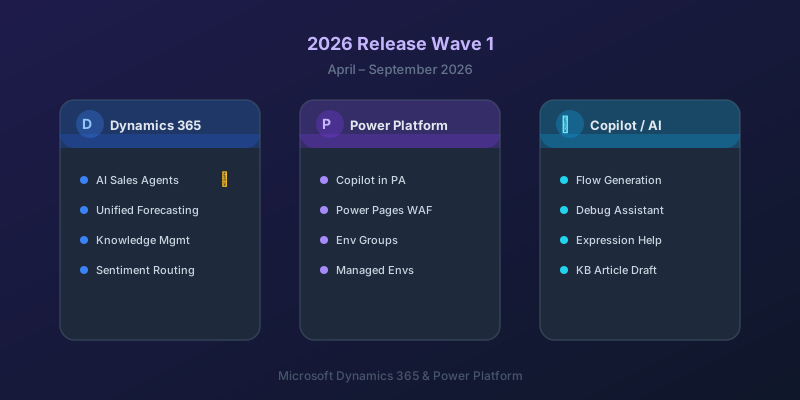
What's New in Dynamics 365 and Power Platform — 2026 Release Wave 1
The standout features from Microsoft's 2026 Release Wave 1 for Dynamics 365 and Power Platform, and what they mean for your projects.
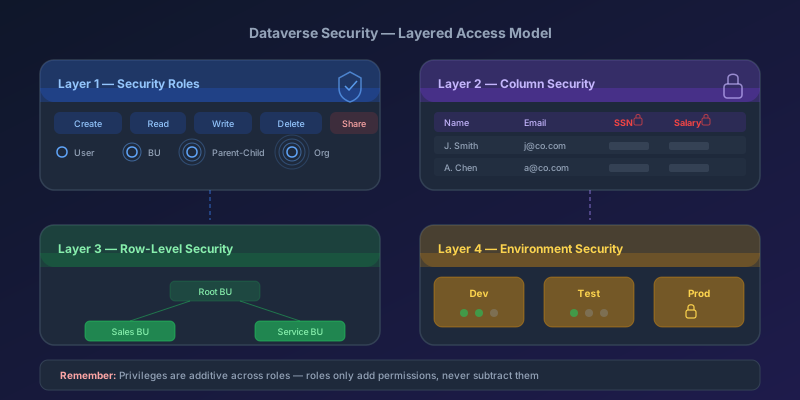
Dataverse Security Roles: A Practical Guide to Getting Them Right
How Dataverse security roles actually work, common mistakes that leave data exposed, and the layered model you should be using in 2026.
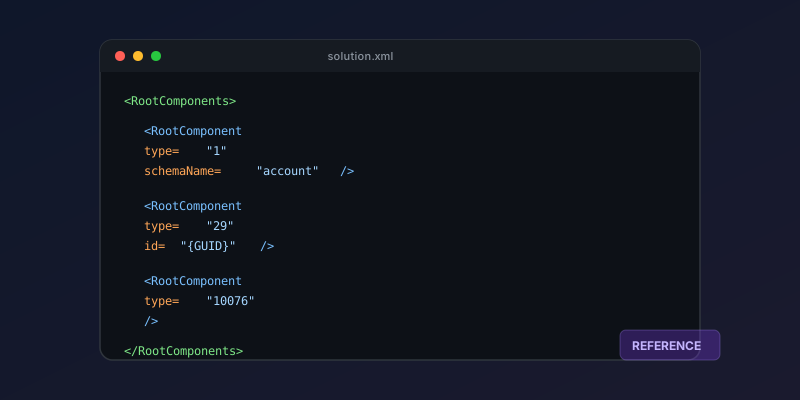
Dataverse Solution Components: A 2026 Quick Reference
A practical reference for solution component types, their IDs, and how to work with solution XML in Dynamics 365 and Power Platform.
Dataverse Cascade Delete: Parental, Restrict, and the Children You Lose
What Parental, Referential Restrict, and Remove Link actually do on delete, assign, and merge, and which preset to pick before a parent row takes its children with it.
Newsletter
New posts, straight to your inbox
One email per post. No spam, no tracking pixels, unsubscribe anytime.
Comments
- No comments yet. Be the first.