Securing Power Pages with Dataverse Table Permissions and Web Roles
Power Pages can make Dataverse data available to customers, partners, and anonymous visitors faster than most teams expect. That speed is dangerous if table permissions are treated as a final checkbox instead of the security boundary. The portal user is not a normal model-driven app user, so you need to design access through web roles, scopes, relationships, and column controls deliberately.
Table permissions are the data boundary for portal users
A portal page does not automatically make Dataverse rows safe. Table permissions define which table a web role can access and which operations are allowed: read, create, write, delete, append, and append to. If table permissions are disabled for a list or form, you are relying on configuration luck, not security architecture.
The right starting point is a matrix. Identify each portal persona, each table, each operation, and the business reason. Then translate that into permissions and web roles. Do not start by giving a role broad read access because the page needs to load; fix the relationship or query design instead.
Persona: Customer contact
Table: Case
Operations: Read, Create, Write
Scope: Contact
Reason: Contact can manage cases they opened

Persona: Partner manager
Table: Account asset
Operations: Read
Scope: Account
Reason: Partner can view assets for their account
Permissions are additive. If a user has multiple web roles, the effective access is the union. That is useful for composable roles, but it also means one sloppy permission can undermine a careful design.
Access scopes decide which rows are visible
The scope is the security model. Operation flags answer what the user can do. Scope answers which records they can do it to. Most leaks come from choosing Global because it makes testing pass quickly.
| Scope | What it means | Safe example | Risk |
|---|---|---|---|
| Global | All rows for that table | Public knowledge article list | Leaks tenant-wide business data |
| Contact | Rows related to the signed-in contact | Cases where customer equals the contact | Fails if relationships are not populated |
| Account | Rows related to the contact account | Assets for the customer account | Overexposes shared account data if roles are broad |
| Self | The contact row for the signed-in user | Profile edit page | Too narrow for related records |
| Parent relationship | Child rows through a permitted parent | Case notes through a permitted case | Easy to misconfigure relationship paths |
Use Global only for data that is truly public to every user with that role. Product catalog entries, published FAQs, or generic locations might qualify. Customer records, cases, invoices, registrations, and documents almost never do.
Web roles are how permissions reach users
A table permission does nothing until a web role has it. Power Pages uses web roles to assign portal privileges to contacts. Authenticated Users is a built-in role for signed-in users. Anonymous Users is for visitors who are not signed in. Custom roles represent business personas like customer admin, partner agent, or supplier reader.
A practical design keeps anonymous access tiny. Give anonymous users read access only to tables that intentionally serve public content. Anything personalized should require sign-in and a role assigned to the contact.
{
  "webRole": "Customer Portal User",
  "permissions": [
    {
      "table": "incident",
      "privileges": ["Read", "Create", "Write"],
      "scope": "Contact"
    },
    {
      "table": "knowledgearticle",
      "privileges": ["Read"],
      "scope": "Global"
    }
  ]
}
Role assignment should be part of onboarding, not a manual afterthought. If a contact is created from an invitation, registration flow, or integration, define how web roles are granted and reviewed. Also define how they are removed when a customer leaves an account or a partner relationship ends.
Column permission profiles protect sensitive fields
Row access is not always enough. A customer may be allowed to read a case but not internal triage notes, fraud flags, margin fields, or escalation comments. Column permission profiles let you restrict access to specific columns for portal scenarios.
Use them for fields where exposure would be harmful even when the row itself is visible. Examples include internal-only status reason, credit hold comments, entitlement override notes, and personally sensitive fields that should not be shown back to every contact at an account.
Column permissions should complement form design. Hiding a field from a form is presentation. Restricting it through a column permission profile is security. If the data can be queried through a portal API path or rendered by a different component, presentation hiding is not enough.
Profile: Customer Case Safe Fields
Table: Case
Blocked columns:
- internal comments
- escalation owner
- fraud review flag
- entitlement override reason
Assigned web roles:
- Customer Portal User
- Partner Support Agent
Review column profiles whenever new fields are added. The common failure mode is not a bad profile on day one; it is a sensitive column added six months later that inherits visibility through an existing page.
The Global scope mistake is easy to miss
Global scope makes every matching row available to the role. Developers often use it during page build because lists load immediately and demos look good. Then a customer signs in and sees another customer case, registration, or invoice. That is not a portal bug. It is a security design failure.
The fix is to model relationships that match the business. If contacts should see their own cases, use Contact scope and make sure the case has the correct customer contact. If account admins should see all cases for their company, use Account scope and define who gets that admin role. If a child table must be visible only through a permitted parent, use parent-scoped permissions.
Treat Global as public within the role, not as a convenient default.
Also watch inherited or copied permissions across sites. A role named Customer Portal User in one site can carry assumptions that are wrong in another. Document the intended audience for each role and permission set.
Testing must use real portal identities
Maker preview is not a security test. Test as anonymous, as a basic authenticated contact, as a customer admin, and as a user from another account. Use records that prove isolation. If every test record belongs to the same account, you have not tested account boundaries.
A useful test set includes two accounts, two contacts per account, cases owned by each contact, cases at the account level, and at least one record that should be invisible to everyone except staff. Then verify lists, forms, search results, direct URLs, and portal API behavior.
$testUsers = @(
  "alice.customer@example.com",
  "bob.customer@example.com",
  "partner.agent@example.com",
  "anonymous"
)

$checks = @(
  "case list shows only permitted rows",
  "direct case URL denies cross-account access",
  "internal columns are not returned",
  "anonymous user cannot read customer data"
)
Security in Power Pages is configuration, but it deserves the same discipline as code. Model the row scope, bind permissions to roles, protect sensitive columns, and test with identities that can prove separation. If you cannot explain why a portal user can see a Dataverse row, they should not be able to see it.
Keep reading
Elastic Tables in Dataverse: When Cosmos-Backed Storage Beats Standard Tables
What Dataverse elastic tables are, how TTL, partitioning, and JSON columns work, and how to decide between elastic and standard tables.
Dataverse Many-to-Many Relationships: Native, Manual, and When to Use Each
Native N:N relationships are quick to set up and impossible to extend. A manual junction table is more work and far more flexible. Choosing wrong means a painful migration later.
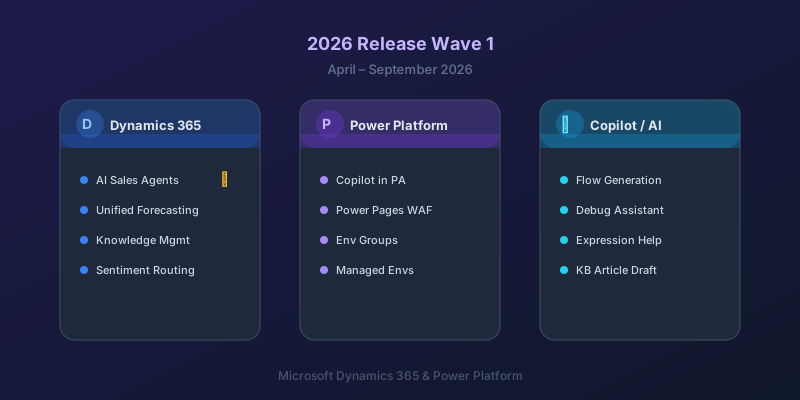
What's New in Dynamics 365 and Power Platform — 2026 Release Wave 1
The standout features from Microsoft's 2026 Release Wave 1 for Dynamics 365 and Power Platform, and what they mean for your projects.
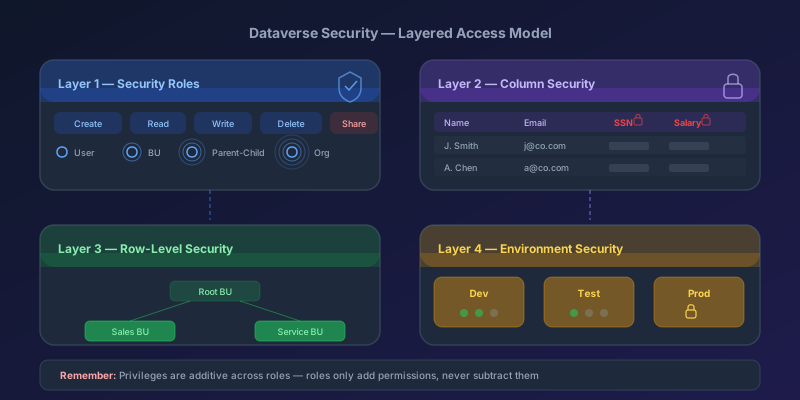
Dataverse Security Roles: A Practical Guide to Getting Them Right
How Dataverse security roles actually work, common mistakes that leave data exposed, and the layered model you should be using in 2026.
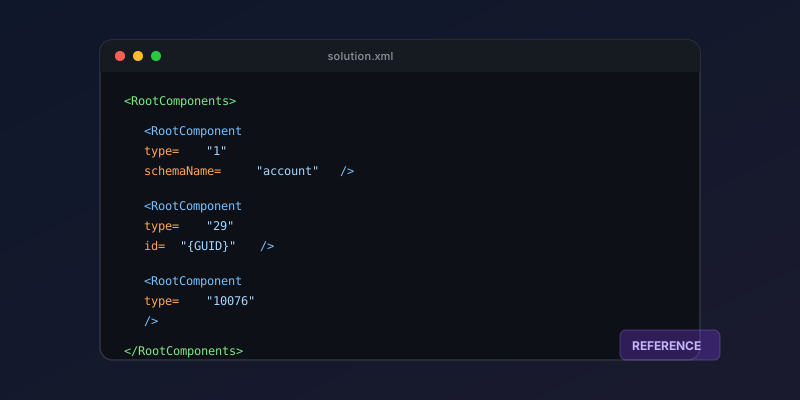
Dataverse Solution Components: A 2026 Quick Reference
A practical reference for solution component types, their IDs, and how to work with solution XML in Dynamics 365 and Power Platform.

Dual-Write Dropped My Field and Reported Success
Why a dual-write map can complete with zero errors while a custom F&O field never lands in Dataverse — staging tables, unpublished maps, and change tracking after a schema change.
Newsletter
New posts, straight to your inbox
One email per post. No spam, no tracking pixels, unsubscribe anytime.
Comments
- No comments yet. Be the first.