Dataverse Many-to-Many Relationships: Native, Manual, and When to Use Each
A student enrolls in many courses, and each course has many students. A project uses many skills, and each skill appears on many projects. These are many-to-many relationships, and Dataverse gives you two completely different ways to model them. One takes thirty seconds to set up and the other takes real design effort. The trap is that the quick option is a dead end the moment your relationship needs to carry any data of its own — and discovering that after you've built on it means a migration nobody enjoys. Let me lay out both options and the decision that actually matters.
Native N:N: fast, clean, and rigid
Dataverse has a built-in many-to-many relationship type. You create it between two tables, and the platform silently provisions a hidden intersect table to store the pairings. You never see this table directly — you just associate and disassociate records, and Dataverse manages the link rows.
Student ⟷ (hidden intersect: studentid + courseid) ⟷ Course
In a model-driven app this surfaces as an associated grid with "Add Existing" — pick a course, it's linked, done. Via the Web API you POST to the relationship's navigation property to associate, and DELETE to remove the link. It's genuinely frictionless for the simple case.
The catch is total and non-negotiable: the intersect table can hold only the two foreign keys — nothing else. You cannot add a column to it. So the moment your relationship needs to describe itself — when did the student enroll? what grade did they get? what's their status in the course? — native N:N cannot help you. There is nowhere to put enrollmentDate, grade, or status, because the link row has room for exactly two IDs and not one byte more.
This is the single most important fact about native N:N, and it's the one people forget under deadline pressure. "It's just students and courses, a plain link is fine" is true until the very first requirement to store anything about the pairing — and that requirement almost always shows up.
The manual junction table: a real table in the middle
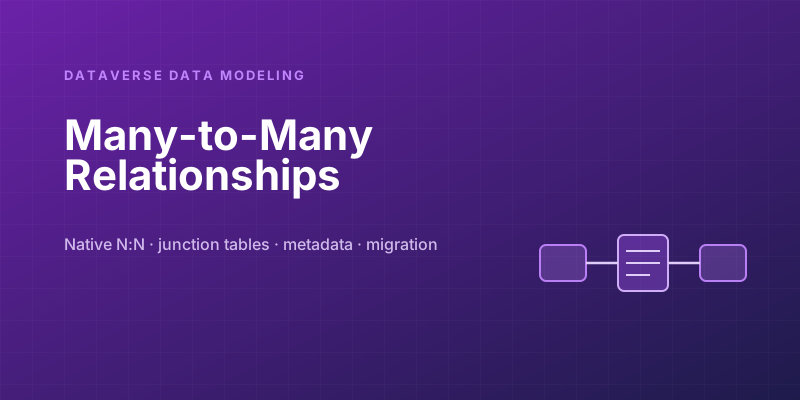
The alternative is to model the relationship explicitly as its own table. Instead of one N:N, you create a junction (or "associative") table with two lookups — one to each side — turning a single many-to-many into two one-to-many relationships:
Student  1──∞  Enrollment  ∞──1  Course
                   │
                   ├─ enrollmentDate
                   ├─ grade
                   ├─ status
                   └─ ... any column you want
The Enrollment table is a first-class entity. Each row represents one student in one course, and because it's a normal table, it can have any columns you like, its own form, its own business rules, its own security, and its own place in workflows. The relationship is no longer an invisible link — it's a thing you can name, describe, and reason about.
This is more setup: you build a table, add the two lookups, and create a form so users can manage the pairings. But it unlocks everything native N:N can't do.
The decision, stated plainly
The choice comes down to one question: does the relationship itself need to carry data or behavior?
| Question | If yes → |
|---|---|
| Do you need to store attributes about the pairing (dates, status, quantity, role)? | Junction table |
| Does the link need its own security, ownership, or audit trail? | Junction table |
| Should a workflow, flow, or plug-in fire when a pairing is created or changed? | Junction table |
| Do you need to report on the relationships as records (e.g. "all enrollments this term")? | Junction table |
| Is it a pure tagging/categorization link with genuinely no metadata, ever? | Native N:N is fine |
My default guidance for anything beyond trivial tagging: reach for the junction table. The reason is asymmetric risk. If you build a junction table and never use its extra columns, you've spent a little extra effort on a model that's slightly more verbose — minor, harmless. But if you build a native N:N and later need metadata on the relationship, you face a genuine migration: create the new table, write code to copy every existing pairing into it, rebuild every app and flow that touched the old relationship, and cut over without losing data. That's a project, not a tweak.
Native N:N is the right call only when you're confident the link will forever be a pure association with no data of its own — favorite products, content tags, simple categorizations. Even then, ask "am I sure a status or a date will never matter here?" before committing, because the answer "actually, we do want to know when this was added" arrives more often than anyone predicts.
Querying the two shapes
The shapes also query differently, and it's worth seeing both. With native N:N you traverse the relationship's navigation property. With a junction table, you query the junction table itself — which is often more convenient, because the rows are real and you can filter and sort on their own columns:
GET /api/data/v9.2/new_enrollments?$select=new_grade,new_status
  &$expand=new_studentid($select=fullname),
           new_courseid($select=new_name)
  &$filter=new_status eq 'Active'
You can't write a query like that against a native N:N intersect table, because there's no grade or status to select or filter on. The junction table doesn't just store more — it makes the relationship queryable as a thing, which is exactly what reporting and integrations want.
Practical notes from the field
- Self-referential many-to-many (a table related to itself — "related products," "people who know each other") works with both approaches, but the junction table is clearer because you can name the two roles explicitly (
primaryProduct/relatedProduct) instead of fighting Dataverse's naming for both ends of a self-N:N. - Cascade behavior differs. With a junction table you control what happens to the link rows when a parent is deleted via the lookup's cascade settings — usually you want the enrollment removed when the student is deleted. Decide this deliberately rather than inheriting a default.
- Performance is comparable for reads; don't choose native N:N for speed. The junction table's flexibility costs you essentially nothing at query time and gains you everything at design time.
- Don't over-normalize the trivial cases. If it's genuinely a tag cloud with no metadata and never will be, a junction table is needless ceremony. Match the model to the requirement — the goal is appropriate structure, not maximum structure.
The senior instinct here isn't "always use a junction table" or "native N:N is bad." It's recognizing that this is a one-way door under deadline pressure: the cheap option forecloses a future you can't fully see, and the slightly-more-expensive option keeps that future open. When the relationship might ever need to describe itself — and most do — pay the small cost up front and model it as a real table. Your future self, spared the migration, will thank you.
Keep reading
Elastic Tables in Dataverse: When Cosmos-Backed Storage Beats Standard Tables
What Dataverse elastic tables are, how TTL, partitioning, and JSON columns work, and how to decide between elastic and standard tables.

Securing Power Pages with Dataverse Table Permissions and Web Roles
Secure Power Pages data with Dataverse table permissions, access scopes, web roles, column profiles, and testing practices that prevent data leaks.
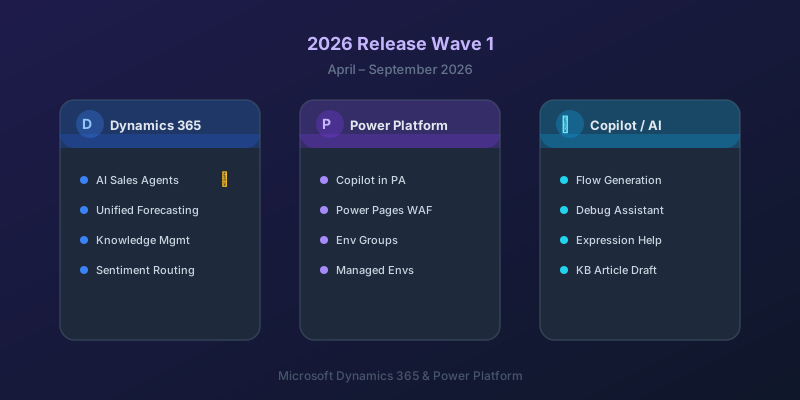
What's New in Dynamics 365 and Power Platform — 2026 Release Wave 1
The standout features from Microsoft's 2026 Release Wave 1 for Dynamics 365 and Power Platform, and what they mean for your projects.
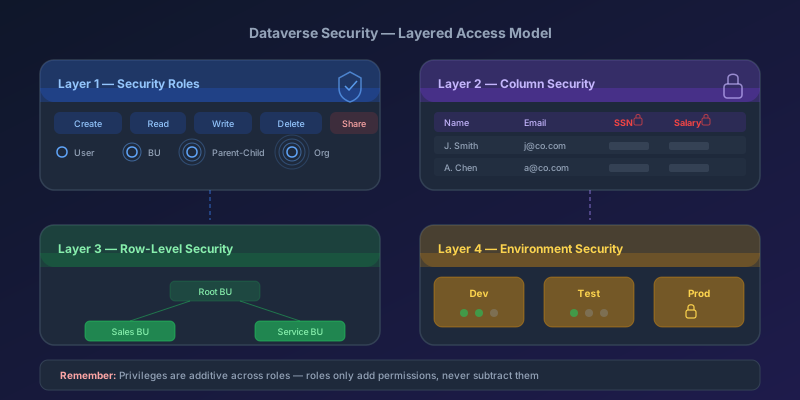
Dataverse Security Roles: A Practical Guide to Getting Them Right
How Dataverse security roles actually work, common mistakes that leave data exposed, and the layered model you should be using in 2026.
Dataverse Solution Components: A 2026 Quick Reference
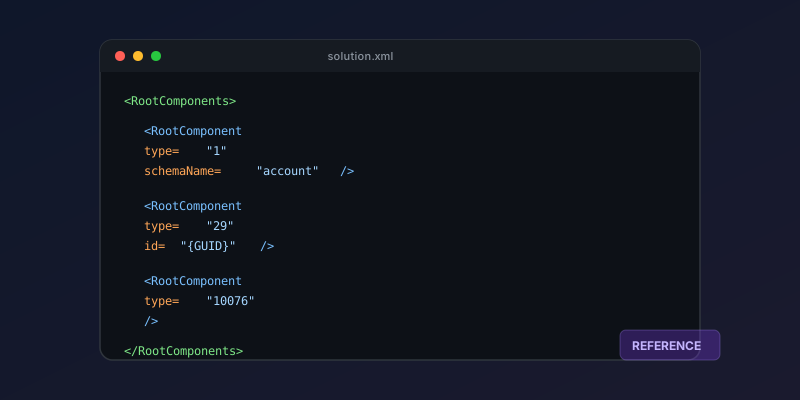
A practical reference for solution component types, their IDs, and how to work with solution XML in Dynamics 365 and Power Platform.
Dataverse Cascade Delete: Parental, Restrict, and the Children You Lose
What Parental, Referential Restrict, and Remove Link actually do on delete, assign, and merge, and which preset to pick before a parent row takes its children with it.
Newsletter
New posts, straight to your inbox
One email per post. No spam, no tracking pixels, unsubscribe anytime.
Comments
- No comments yet. Be the first.