PowerShell: Format-Table Breaks the Next Command
Get-Service | Format-Table | Export-Csv services.csv produces a CSV full of garbage, or an error about formatting records, depending on the version and the next command. Format-Table did what it is for. It turned service objects into instructions for the console. Export-Csv then serialized those instructions. The file is not a list of services.
Format cmdlets are the end of the object pipeline. They belong in the last position, when a person is looking at the screen. They do not belong in the middle of a script.
What to use instead
| You wanted | Write this |
|---|---|
| A table on screen, and then stop | Get-Service | Format-Table -AutoSize as the last line |
| A CSV of real properties | Get-Service | Select-Object Name, Status, StartType | Export-Csv services.csv -NoTypeInformation |
| Only some columns, still objects | Select-Object. Never Format-Table |
| A string for a log line | "$($_.Name) is $($_.Status)" or -join. Not Out-String on the whole table unless you mean to log the rendering |
Select-Object chooses properties and emits objects. Format-Table chooses columns and emits format data. The names sound similar. The next command can tell them apart, and only one of them is still data.
The bug in the middle of a function
function Get-RunningServices {
    Get-Service |
        Where-Object Status -eq Running |
        Format-Table Name, Status
}
Callers who do $svc = Get-RunningServices; $svc.Name get nothing useful. The function displayed a table and returned formatting objects. Return the objects. Let the caller format.
function Get-RunningServices {
    Get-Service | Where-Object Status -eq Running | Select-Object Name, Status, StartType
}
If the function is interactive and you want a table when someone runs it at the prompt, that already happens. PowerShell formats objects for the host when they reach the end of the pipeline. You do not have to call Format-Table to get a table. You call it when you need widths, a custom column, or to force the view. Do that in the script the human runs, not in the function other scripts call.
Out-String and Format-List have the same rule
Out-String collapses the stream into one string. A later Where-Object filters lines of text, badly, because a wrapped line is not a row. Format-List is the vertical version of Format-Table and is just as final.
The check is mechanical. Search scripts for Format-Table, Format-List, and Out-String. If the next pipe is anything other than Out-Host, Out-File of a report you intend to be text, or the end of the script, delete the format cmdlet and project with Select-Object. The CSV, the JSON, and the next function will start receiving the objects you thought you were sending all along.
Keep reading
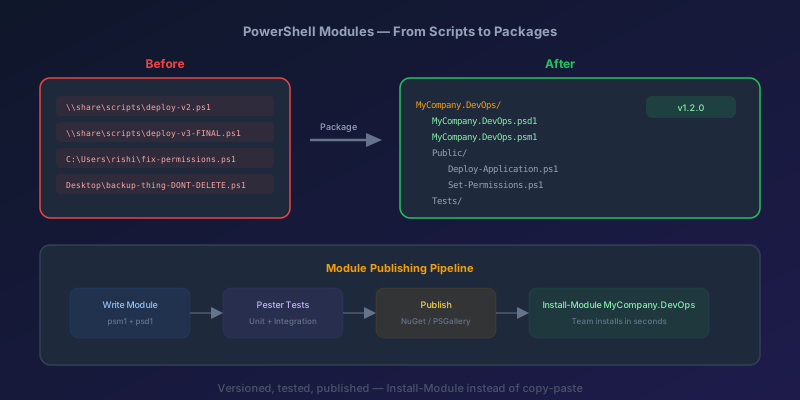
PowerShell Modules: Packaging and Publishing Reusable Scripts for Your Team
Stop copying .ps1 files into shared folders. Learn how to package PowerShell scripts into proper modules with versioning, publish them to a private feed, and distribute them to your team like a professional.
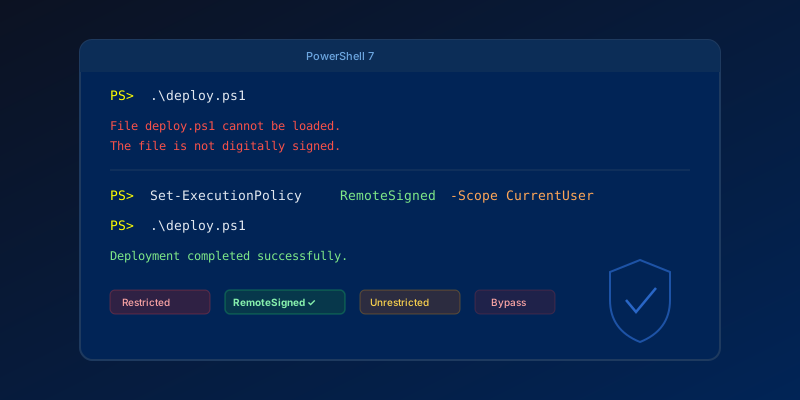
Fixing 'PowerShell Script Not Digitally Signed' — The Right Way
How to resolve execution policy errors when running .ps1 scripts, and why you should care about script signing in 2026.
Kubernetes Liveness Probes That Restart a Process That Was Fine
Liveness restarts the container. Readiness pulls it out of the Service. A startup probe holds both off until the process has booted. Most outages come from using the wrong one.
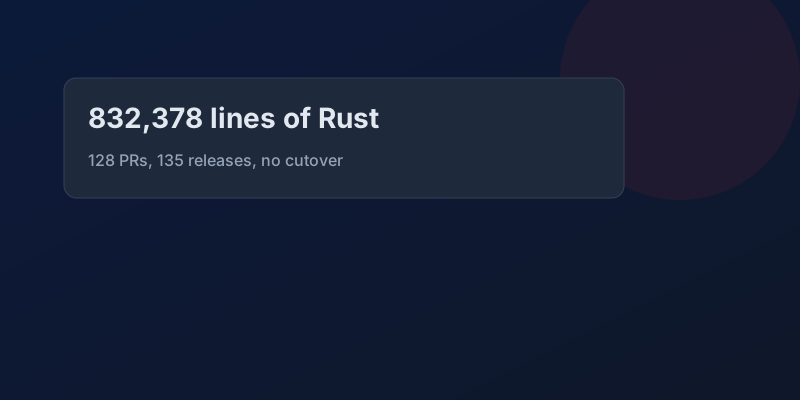
GitHub Rewrote the Copilot Runtime in Rust With Agents. The Playbook Is the Story.
832,378 lines of production Rust, 128 pull requests, 135 releases in fourteen and a half weeks, about $120,000 in tokens. What GitHub's TypeScript-to-Rust port of the Copilot agent runtime teaches about shipping a rewrite without a cutover.

The Pipeline Was Green Because the Test Stage Never Ran
How an Azure DevOps condition and a skipped stage produce a green build that did not test anything, and the check to add so that cannot ship.
GitHub Merge Queues: Serializing main Without Parking Every PR
How merge queues absorb the rebase race on protected branches, what CI has to guarantee, and when a queue is worse than Require branches to be up to date.
Newsletter
New posts, straight to your inbox
One email per post. No spam, no tracking pixels, unsubscribe anytime.
Comments
- No comments yet. Be the first.