Budget Control in Finance 10.0.49: Closed Periods, Reservations, and Broken Tracking
Budget control fails quietly during a long approval. A purchase requisition starts while the period is open, the workflow is still running when someone puts the period on hold, and the document either sticks or posts against a date finance has already closed. Dynamics 365 Finance 10.0.49 (build 10.0.2790, self-update in September 2026, auto-update in October 2026) adds five budgeting features for that class of problem. All five are Feature management toggles. None of them is on the mandatory list. Turn them on in a budget-controlled sandbox before anyone enables them in production.
Microsoft's Finance 10.0.49 article also says some or all of the functionality it describes can still be preview and can change. These five are not stamped "(preview)" the way the fixed-asset reporting-currency adjustment is. They are still optional. Confirm each name in Feature management rather than assuming the whole set arrived in one switch.
Accounting dates move forward inside the same year
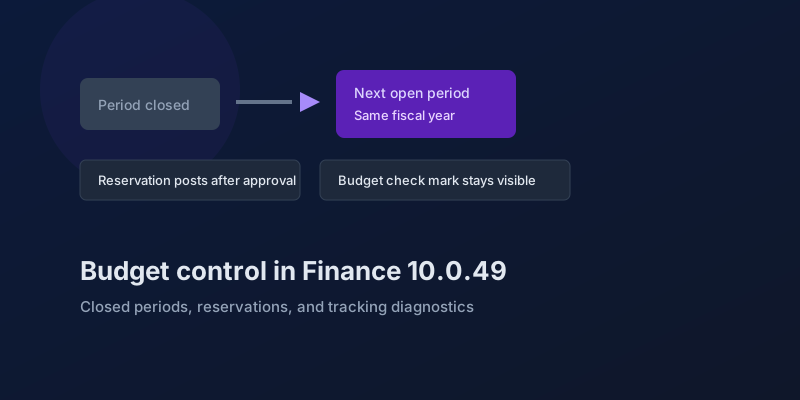
Automatic accounting date advancement for budget controlled and workflow-enabled purchase requisitions and purchase orders does one job. When the original accounting date falls in a closed or on-hold fiscal period, the system moves that date to the next open fiscal period in the same fiscal year, runs budget control again with the new date, and keeps the downstream path intact so the requisition can still become a purchase order and still appear on budget-reservation reporting.
The boundary that matters is "the same fiscal year." This feature does not invent a date in the next year. If every remaining period in the year is closed or on hold, you still have a stuck document, and you should test that case so the error is familiar before year-end.
A practical script:
- Put a purchase requisition into workflow with an accounting date in the current period.
- Close or hold that period before approval finishes.
- Leave a later period in the same year open.
- Complete the workflow and confirm the accounting date moved, budget control ran against the new date, and the reservation is visible on the reservation report.
- Repeat with no open period left in the year, and record the message the approver actually sees.
Public-sector and encumbrance teams should add a year-end variant. Option to exclude closing period transactions in the Outstanding encumbrance report adds a way to leave closing-period postings out of that report so open commitments at year-end are not mixed with closing activity. Run the report twice, with the option on and off, against a known closing-period encumbrance. The two totals should differ by that amount and by nothing else.
Reservations can post themselves after approval
Automatically post general budget reservations using workflow adds a workflow option to post the general budget reservation when approval finishes. The point Microsoft states is to remove the manual post and the delay that comes with it when reservation volume is high.
The risk is the same as any auto-post. A reservation that used to sit unposted, waiting for a budget analyst, will post as soon as the last approver acts. Test a rejection as carefully as an approval. The reservation must not post when the workflow ends in a reject or a recall. Test a reservation whose budget check fails at the moment of posting, and confirm the workflow outcome is visible to the requester. An approved-and-unposted reservation is a problem. An approved-and-posted reservation against the wrong dimension is a bigger one.
The budget check mark stays after the document is finished
Preserve budget check indicators for partially consumed and finalized documents controls a new parameter, Preserve budget check indicators, on the Budgeting parameters page. Microsoft's description of the old behavior is specific. A purchase order, or a similar document, that is partly invoiced or consumed and then finalized loses the budget-check indicator even though the budget was consumed. With the feature and the parameter, the indicator remains for budget-controlled documents, including partly invoiced purchase orders that are later finalized and general budget reservation lines that are partly consumed and then finalized.
This is a display and audit fix. It does not put the consumed budget back. Testers who only look at the icon will think nothing changed until they compare a finalized partial invoice before and after the parameter. Take screenshots of both. The indicator is the requirement.
Detect corrupt tracking before you repair it
Detect corruption in source document budget control tracking adds a diagnostic on Budget control data maintenance. It finds budget-controlled documents hit by orphaned tracking (a budget source that is missing) and by broken relieving links between commitments and the documents that should relieve them. Microsoft positions it as the step before the existing repair: detect, then use source-document reprocessing and the current data-maintenance tool.
Run the diagnostic in the sandbox on a copy of production data and read the list before you enable anything that posts automatically. A company with a clean result can turn on accounting-date advancement and automatic reservation posting with a smaller blast radius. A company with a long result should fix tracking first. Auto-posting reservations on top of orphaned budget sources will produce a faster version of the same corruption.
Do not run the repair in production because the diagnostic returned rows. Assign each pattern — missing budget source, broken relief — to someone who can name the document and the expected remaining encumbrance. Then repair in the sandbox and compare the outstanding encumbrance report to the pre-repair export.
What this release forces on you anyway
Separate from the five toggles, 10.0.49 makes some older budgeting behavior permanent.
- Budget register entries form performance enhancement is listed as mandatory.
- Budget register entries page performance enhancement is listed as removed from Feature management, with the functionality on out of the box. The names differ by one word. Search the workspace for "budget register entries" and do not write a runbook step that turns the page variant off. If the row is gone, the behavior is already on.
- Encumbrance reconciliation is removed from Feature management and enabled out of the box.
- Enable non-retrievable purchase orders form for purchase year-end order process is on by default, and you can still turn it off.
Year-end purchase-order processing and encumbrance reconciliation are the two to include in the October test even if you enable none of the five new features. They no longer depend on someone remembering a toggle.
Enable them in this order
- Diagnostic first, on a recent production copy. Export the findings.
- Preserve budget check indicators, and confirm the parameter on Budgeting parameters. This changes what people see, not what posts.
- Exclude closing-period transactions on the outstanding encumbrance report, and tie the option to the year-end report pack.
- Accounting-date advancement, with the same-year and no-open-period cases.
- Automatic posting of general budget reservations, only after the diagnostic is understood and the workflow reject path has been posted in the sandbox.
The October auto-update will not flip these five on for you. It will remove your ability to disable encumbrance reconciliation and the budget register entries performance work. Test those as part of the upgrade. Test the five new features as a budget project with an owner.
Keep reading
crossCompany in X++: The Query That Mixes Legal Entities
A normal select stays in the current company. crossCompany returns every legal entity the user may read. How the company container, changeCompany, and OData differ.
Bank and Cash in Finance 10.0.49: Delayed Settlement, Match Preview, and Bridge Selection
What Dynamics 365 Finance 10.0.49 changes in payment journals and bank reconciliation, which pieces are still preview, and which bank behaviors you can no longer disable.
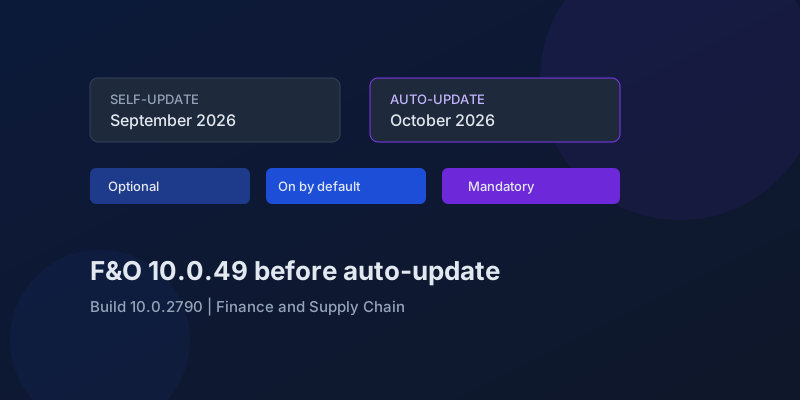
D365 F&O 10.0.49: What to Regression-Test Before the October Auto-Update
Finance and Supply Chain 10.0.49 (build 10.0.2790) is self-update in September 2026 and auto-update in October. Here is the feature-state triage that actually matters.
Agentic ERP in September 2026: What Is Available, in Preview, and Still a Date
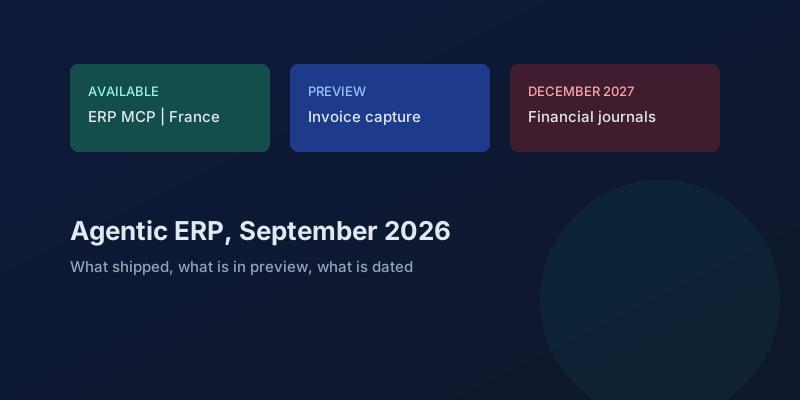
A precise reading of Microsoft's 23 September 2026 Dynamics 365 ERP announcement, the 10.0.49 previews behind it, and the financial-journal dates that are not this fall.
Electronic Reporting in Finance 10.0.49: GS1 Barcodes, DIV and MOD, and Copy Counts
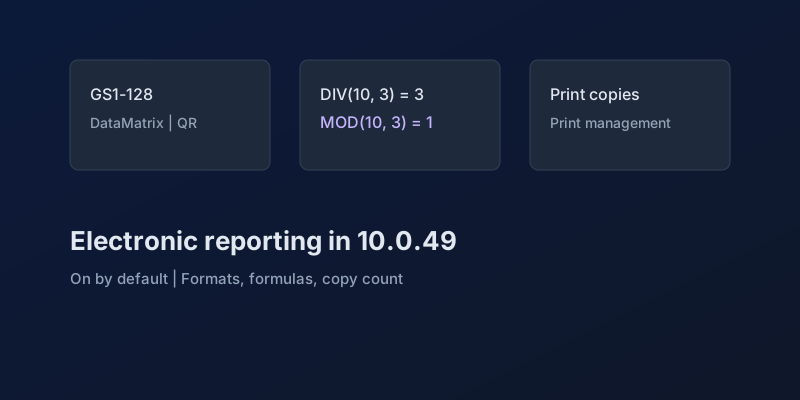
What Dynamics 365 Finance 10.0.49 changes in Electronic Reporting without a feature debate — barcode formats, integer formulas, print copies — and which ER behaviors are now mandatory.
France E-Invoicing and E-Reporting in D365 Finance: What 10.0.49 Actually Files
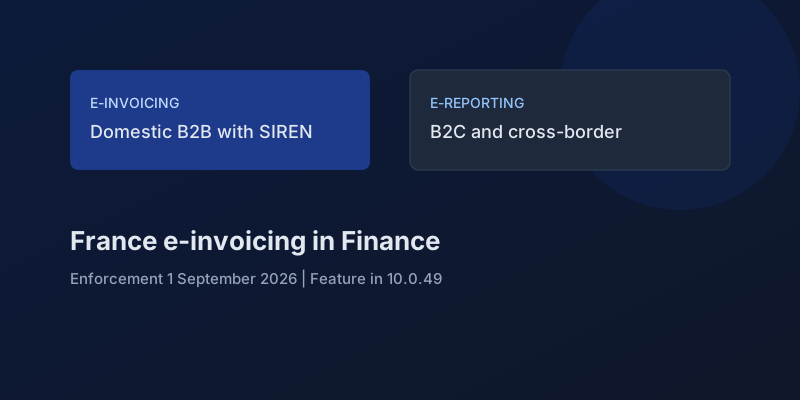
How Dynamics 365 Finance splits French domestic B2B e-invoicing from e-reporting, which build carries it, and what SIREN, SIRET, and establishment setup must be true before you transmit.
Newsletter
New posts, straight to your inbox
One email per post. No spam, no tracking pixels, unsubscribe anytime.
Comments
- No comments yet. Be the first.