Bank and Cash in Finance 10.0.49: Delayed Settlement, Match Preview, and Bridge Selection
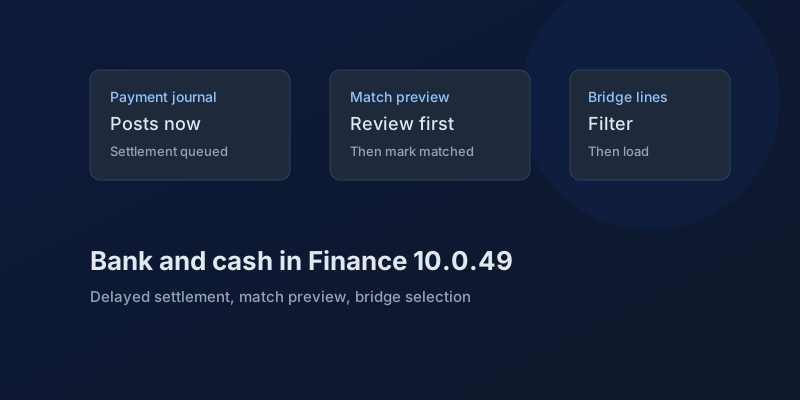
Month-end cash work fails in a specific way. A payment journal will not post because settlement cannot finish, or a bank reconciliation posts a match nobody reviewed, or the bridge-transaction lookup loads every open bridge in the company before anyone can filter it. Dynamics 365 Finance 10.0.49 (build 10.0.2790) speaks to all three. It does not make them all generally available in the same way, and the Finance what's-new article warns that some or all of the functionality it describes is preview and can change.
Read the new capabilities as admin-enabled. Read the long cash-and-bank list lower down as behavior that becomes mandatory in this version. Those are different test plans.
Delayed settlement separates the payment from the match
Microsoft's description of Delay settlement from journal posting is precise. With delayed settlement, a customer or vendor payment journal can post even when the related settlement cannot be completed. The payment posts immediately. Settlement is queued and processed later, either in the background or manually from a dedicated page. The feature is enabled by an administrator.
The 2026 release wave 1 plan listed this capability as a public preview from August 2026 and did not give it a general-availability month. Release plans stopped being published in September 2026, so that plan is a historical record, not a live roadmap. Until your environment shows the feature as generally available, treat delayed settlement as something you turn on in a sandbox and watch.
The accounting consequence is the part to test, not the toggle:
- The payment exists in the ledger before the invoice is settled. Open-transaction reports and the settlement form can disagree for as long as the queue is behind.
- A payment that used to fail and roll back can now succeed. Downstream processes that assumed "no journal number means nothing posted" are wrong under this feature.
- Someone still owns the queue. Background settlement that quietly stops is an unapplied cash balance, not an automation win.
Post a payment against an invoice that cannot settle — a closed period on the settlement side, a dimension the settlement rejects, an amount that does not match — and confirm two things. The payment voucher exists. The unsettled amount is visible on the page Microsoft describes, and a person on the close checklist is responsible for clearing it.
Match preview is a review step, not a faster auto-match
Preview automatic bank reconciliation matching results lets users review and approve what the matching rules produced before transactions are posted and marked as matched. An administrator enables it. The wave 1 plan also listed this as a public preview from August 2026, with no general-availability month.
If you enable it, the regression is the opposite of "did auto-match get better." It is "can a clerk still post a match without the review, and do we want that." Walk one statement through the rules, reject one proposed match, approve the rest, and confirm rejected lines are still open on the bank side and unmatched on the ledger side. Then run the same statement with the feature off, so you know which companies are still on the old post-immediately path. Companies that share a bank-reconciliation design and differ on this flag will not reconcile the same way.
Bridge selection is the piece with a September general-availability month
Improved performance for selecting bridge transactions during the bank clearance process is the one of this trio the wave 1 plan marked generally available in September 2026. An administrator enables it.
The behavior Microsoft describes is a filter-before-load change. Users set criteria — bank account, vendor or customer account, payment reference, check number, and date range — and the form retrieves that set. It does not start by loading every bridge transaction. In a company with a large bridged-payment history, the test is timing and correctness together. Time the lookup before and after. Then confirm a known bridge document is included when the criteria match and excluded when the date range or account does not. A faster form that drops the document you came to clear is not an improvement.
A second feature, Clear bridged customer payments automatically during bank reconciliation, is also admin-enabled in this release. The feature name says customer payments. The product description says it clears bridged transactions created through centralized vendor payments, using the bank reconciliation framework. That wording is Microsoft's. Before you enable it, list the bridge documents your company actually creates and check them against both sentences. Automatic clearing of the wrong document type is a close defect, not a performance defect.
There is a related capability already on the mandatory list for 10.0.49: Automatic clear bridged transactions through advanced bank reconciliation. If you were depending on that staying off, the October auto-update removes the choice. Test automatic clearing and the new opt-in clearing as separate cases so you know which one moved the document.
What you can no longer turn off
These cash and bank features are mandatory in 10.0.49. They remain visible in Feature management, and the toggle is gone. Several of them used to be the safety valve when a bank process misbehaved.
| Area | Mandatory behavior to put on the script |
|---|---|
| Checks | Check-number validation, and maturity-date validation when posting a payment journal with postdated checks to a bank account |
| Inquiry | Cash position inquiry and cash control |
| Reconciliation posting | Mark all bank transactions as cleared in account reconciliation. Prepayment and posting profile when a payment journal is generated from advanced bank reconciliation. Posting of new transactions inside bank reconciliation. Default descriptions. Batch mode for statement and statement-line posting |
| Reversal and rates | Reverse the correction amount when bank statements confirm electronic payments. Skip reversal-flag validation when matching reversal lines. Use the latest exchange rate to post bank transactions. Exchange-rate type enhancement for bank foreign-currency revaluation |
| Dates and imports | Update Cleared date on reconciled documents. Use the time zone option on bank-statement import when generating the BAI2 statement id. Reverse a posted bank statement that has new transactions |
| Country | (Brazil) Mandatory bank transaction description |
Also on by default, and still reversible until a later version makes them mandatory: process automation for bank foreign-currency revaluation, optimized auto settlement, batch mode for Bank CODA transfer to ledger, bank account lifecycle management, time-zone alignment in modern bank reconciliation, automatic vendor account matching, bank transactions page performance, and search for a customer or vendor account when a manual payment journal is created during reconciliation.
Optimized auto settlement being on by default will change settlement timing for companies that had it off. Run a customer payment and a vendor payment in the sandbox after the update and compare settlement vouchers to the last close. Do that even if you never open the new delayed-settlement feature.
A close checklist that matches the release
- Confirm, per legal entity, whether delayed settlement and match preview are enabled. If they are on, name the person who clears the settlement queue and the person who approves matches.
- Time bridge selection with a real account and a date range. Keep one case that must return a document and one that must not.
- Run advanced bank reconciliation on a statement that includes a reversal, a bridged payment, and a new transaction created during reconciliation. Those three paths are all on the mandatory list.
- Leave production on the previous settlement behavior until the sandbox close completes with the queue empty and the bank account reconciled to the statement.
The platform will auto-update production in October 2026 if you do not take the September self-update. The mandatory rows come with either choice. The preview rows come only if an administrator enables them.
Keep reading

crossCompany in X++: The Query That Mixes Legal Entities
A normal select stays in the current company. crossCompany returns every legal entity the user may read. How the company container, changeCompany, and OData differ.
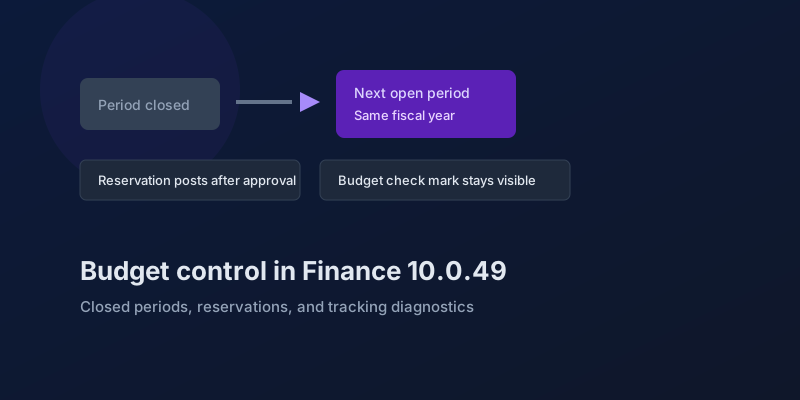
Budget Control in Finance 10.0.49: Closed Periods, Reservations, and Broken Tracking
The budgeting features in Dynamics 365 Finance 10.0.49 — accounting-date advancement, reservation posting, encumbrance reporting, and a diagnostic for corrupt budget tracking.
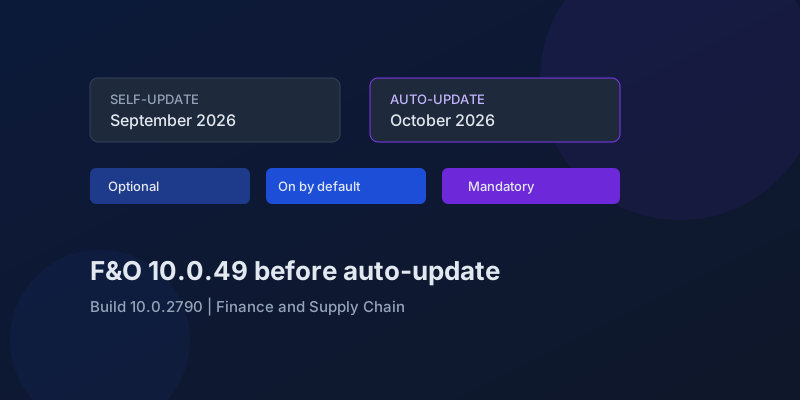
D365 F&O 10.0.49: What to Regression-Test Before the October Auto-Update
Finance and Supply Chain 10.0.49 (build 10.0.2790) is self-update in September 2026 and auto-update in October. Here is the feature-state triage that actually matters.
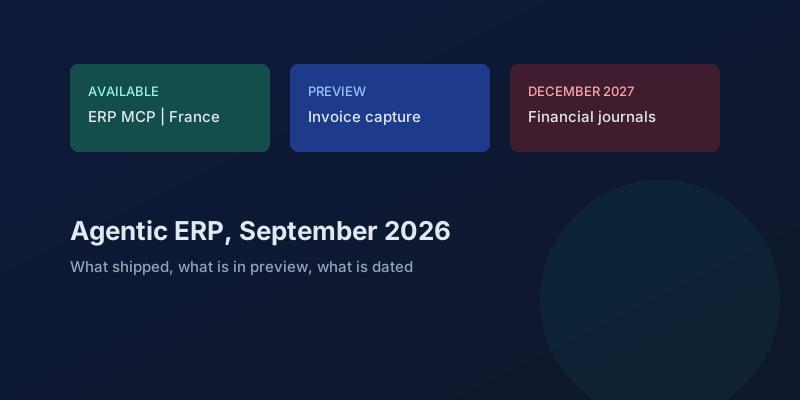
Agentic ERP in September 2026: What Is Available, in Preview, and Still a Date
A precise reading of Microsoft's 23 September 2026 Dynamics 365 ERP announcement, the 10.0.49 previews behind it, and the financial-journal dates that are not this fall.
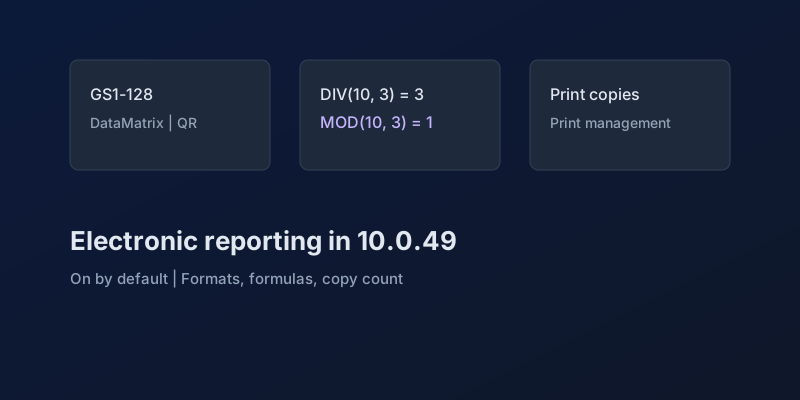
Electronic Reporting in Finance 10.0.49: GS1 Barcodes, DIV and MOD, and Copy Counts
What Dynamics 365 Finance 10.0.49 changes in Electronic Reporting without a feature debate — barcode formats, integer formulas, print copies — and which ER behaviors are now mandatory.
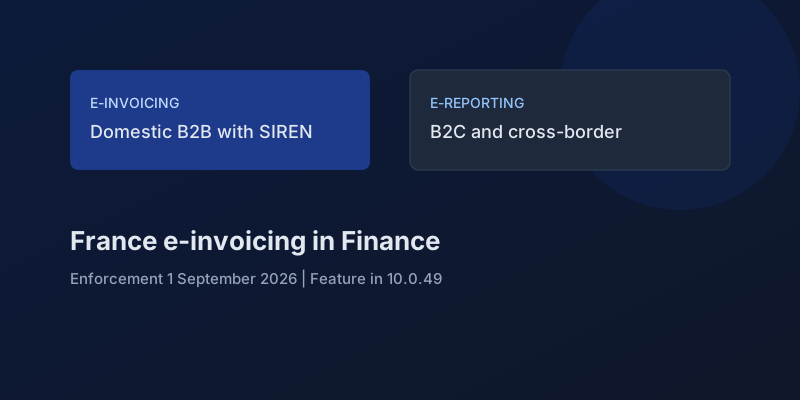
France E-Invoicing and E-Reporting in D365 Finance: What 10.0.49 Actually Files
How Dynamics 365 Finance splits French domestic B2B e-invoicing from e-reporting, which build carries it, and what SIREN, SIRET, and establishment setup must be true before you transmit.
Newsletter
New posts, straight to your inbox
One email per post. No spam, no tracking pixels, unsubscribe anytime.
Comments
- No comments yet. Be the first.