Invoice Capture in Finance 10.0.49: Header Matching, Side-by-Side Review, and Charges
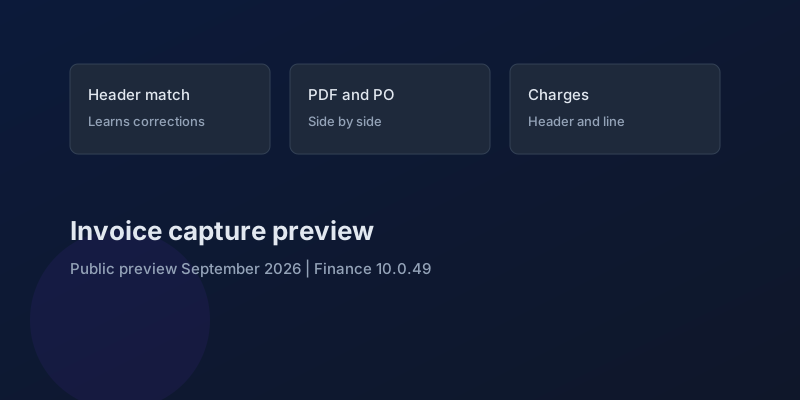
Invoice capture in Dynamics 365 Finance has a public preview dated September 2026, aimed at 10.0.49, and enabled by an administrator. The 2026 release wave 1 plan gives it no general-availability month. The same plan carries Microsoft's standard warning that some described functionality may not have been released and dates can move. Read the preview as three behaviors. Microsoft consolidated them into one capability update. It did not publish a new accounts-payable module.
The 23 September 2026 product blog describes accounts payable automation as improving, with AI recognition for invoices and AI suggestions for the finance entries. The concrete list behind that sentence is this preview. The wider "Finance Agent" and the re-engineered journals are a different schedule, covered in what the September announcement actually ships.
What the preview changes
Header matching. AI-based derivation matches the invoice header to purchase orders and procurement categories using vendor data. When a user corrects a match, later invoices from that pattern are supposed to pick up the correction. Microsoft calls that continuous learning. The test is not a single happy-path PDF. It is a second invoice, from the same vendor, after someone fixed the first. If the second invoice repeats the original mistake, learning did not happen in your tenant, and the touchless rate you quote to finance is still the manual rate.
Side-by-side review. During a manual match, the user can see invoice lines, the invoice PDF, and the purchase order details at the same time. Purchase order structures do not change. The gain is fewer screens, which matters when the exception is a quantity or a price on one line and the PDF is the only source the vendor will stand behind. Time one real exception with the view and one without. If the processor still exports the PDF to a second monitor, the feature is on and the habit has not moved.
Charges. The preview identifies header-level and line-level charges on the vendor invoice and allocates them with defined rules when the invoice transfers into Finance. The failure it is aimed at is an invoice total that does not match the posted document because a freight or duty charge was dropped or dumped on the wrong line. Post one invoice with a header charge and one with a line charge. Compare the pending invoice total to the vendor's total before posting. A charge that lands in the wrong ledger account is a posting setup issue. A charge that never lands is this feature.
What this preview does not include
Microsoft's future-direction paragraph is explicit. Line-level derivation — intelligent recognition down the invoice lines, and more complex layouts — comes later. Scalability work is later. Do not script a demo in which the preview reads every line of a 40-line invoice, proposes the procurement category per line, and posts unattended. Header derivation, a side-by-side exception screen, and charge allocation are the contract.
There is also no statement that the preview is on by default, or that 10.0.49's October auto-update will turn it on. An administrator enables it. Leave it off in the production company that is closing September until a sandbox has run a week of real vendor invoices, including the ones that already fail matching today.
A sandbox pack that matches the release note
Use invoices you already know are painful. A clean single-line PO invoice will pass and teach nothing.
| Case | What you are proving |
|---|---|
| Known vendor, header matched to the wrong PO, then corrected | The next invoice uses the correction |
| Exception with a price difference | PDF, lines, and PO are visible together, and the posted PO is unchanged |
| Header freight charge | The charge allocates on transfer and the invoice total matches |
| Line-level duty or surcharge | The charge follows the line, not the header |
| Multi-line invoice with no line derivation | Processors still match lines. The preview does not claim otherwise |
Count touchless invoices before and after on the same vendor sample. The release note's business claim is a higher touchless rate and fewer charge mismatches. If the sample does not move, the honest report is that the preview is enabled and the rate is unchanged. That is a useful result. It is also the result that should stop a production enablement during month-end.
Pair the preview with the bank and settlement changes only in the sense that both are admin-enabled and both can post something that used to wait for a person. They are not one project. Settlement behavior is in bank and cash in 10.0.49. Invoice capture stops at the vendor invoice.
Keep reading
crossCompany in X++: The Query That Mixes Legal Entities
A normal select stays in the current company. crossCompany returns every legal entity the user may read. How the company container, changeCompany, and OData differ.
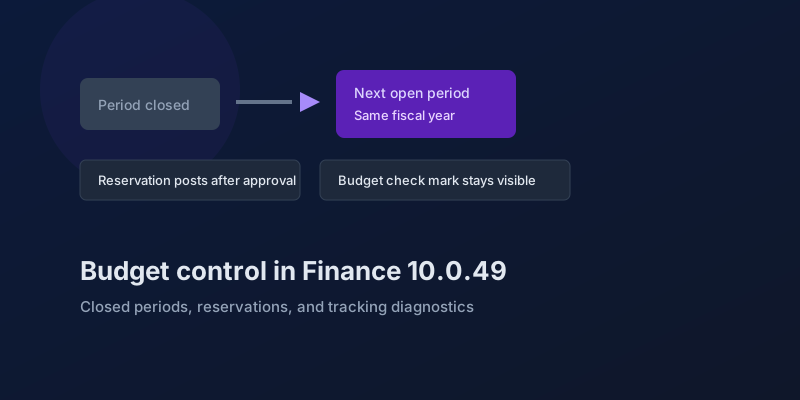
Budget Control in Finance 10.0.49: Closed Periods, Reservations, and Broken Tracking
The budgeting features in Dynamics 365 Finance 10.0.49 — accounting-date advancement, reservation posting, encumbrance reporting, and a diagnostic for corrupt budget tracking.
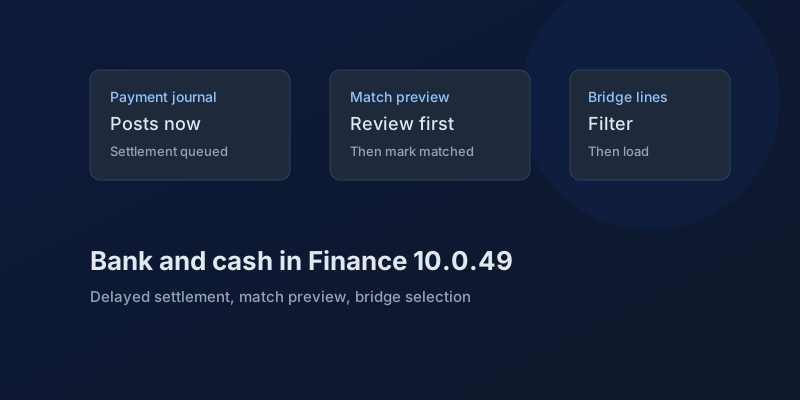
Bank and Cash in Finance 10.0.49: Delayed Settlement, Match Preview, and Bridge Selection
What Dynamics 365 Finance 10.0.49 changes in payment journals and bank reconciliation, which pieces are still preview, and which bank behaviors you can no longer disable.
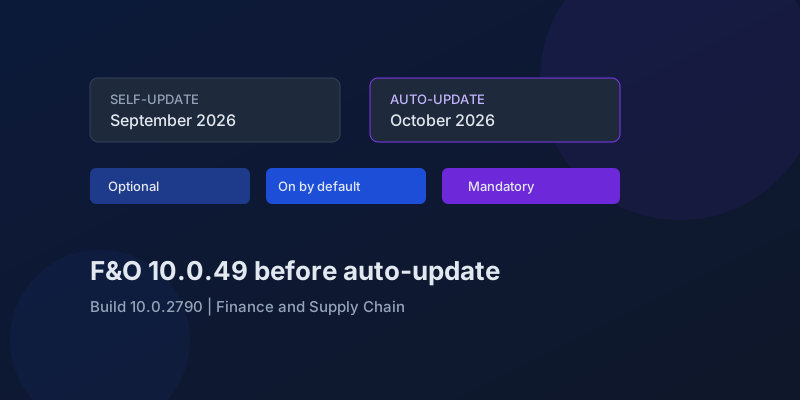
D365 F&O 10.0.49: What to Regression-Test Before the October Auto-Update
Finance and Supply Chain 10.0.49 (build 10.0.2790) is self-update in September 2026 and auto-update in October. Here is the feature-state triage that actually matters.
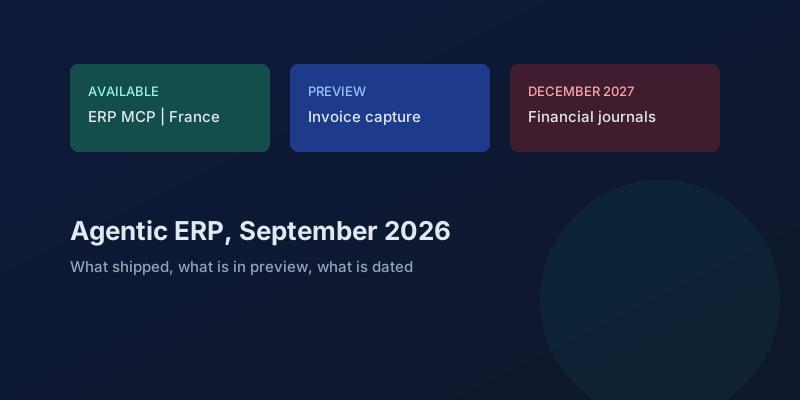
Agentic ERP in September 2026: What Is Available, in Preview, and Still a Date
A precise reading of Microsoft's 23 September 2026 Dynamics 365 ERP announcement, the 10.0.49 previews behind it, and the financial-journal dates that are not this fall.
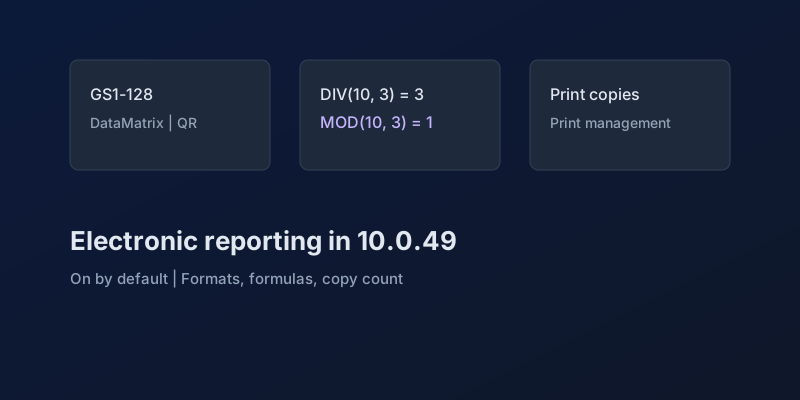
Electronic Reporting in Finance 10.0.49: GS1 Barcodes, DIV and MOD, and Copy Counts
What Dynamics 365 Finance 10.0.49 changes in Electronic Reporting without a feature debate — barcode formats, integer formulas, print copies — and which ER behaviors are now mandatory.
Newsletter
New posts, straight to your inbox
One email per post. No spam, no tracking pixels, unsubscribe anytime.
Comments
- No comments yet. Be the first.