FormDataSource.research: The Range You Added Never Ran
The customer filter on the sales order form looked right. The clicked method added a range on CustAccount for US-001 and called research() because that is the method people reach for when the grid is stale. The grid still listed every order in the company. SQL never saw the range. research reruns the QueryRun that is already live. It does not rebuild that QueryRun from query().
That is the whole property. Four form data source methods sound like "refresh the form." They are not interchangeable. One redisplays a buffer. One reloads a RecId. One reruns the cursor you already have. One starts a new cursor from the query object you just edited.
Four methods, four jobs
FormDataSource gives you four ways to make the screen catch up. Mixing them is how you get a filter that never applies, a line that never appears, or a display method that still shows the old name.
| Method | Hits SQL | What it loads | Cursor |
|---|---|---|---|
refresh() | No | Redisplays the current buffer; display methods run again | Unchanged |
reread() | Current RecId only | Replaces that one form cache row from the database | Unchanged |
research() / research(true) | The live query | Same filters as the last executeQuery; new and deleted rows in that set | First row, or the same RecId when you pass true |
executeQuery() | query() as it is now | Rebuilds QueryRun from query() | First row of the new result |
refresh() is what the field modified handler should call after it writes Name on the buffer it already holds. There is nothing in SQL to go get. If another session changed CreditMax, refresh() will not see it. That is reread().
reread() on the data source is the form version of buffer.reread(). The table-buffer call reloads this variable by RecId. It does not walk the grid, and it does not pick up a row you inserted on a different buffer. The record cache still applies: a unique-key lookup can be answered from the AOS. reread() is a database read of that RecId, which is what you want after someone else committed.
query() is the next cursor; queryRun() is this one
FormDataSource.query() is the query object you edit. executeQuery() constructs a QueryRun from it and runs that. After that, queryRun() is the cursor the grid is bound to. research() executes that QueryRun again. It does not clone query() first.
So this is a no-op against SQL's WHERE:
QueryBuildDataSource qbds;

qbds = salesTable_ds.query().dataSourceTable(tableNum(SalesTable));
SysQuery::findOrCreateRange(qbds, fieldNum(SalesTable, CustAccount))
    .value(queryValue(_custAccount));

salesTable_ds.research();
The range sits on query(). The live QueryRun still has whatever ranges were there the last time executeQuery() ran — form init, a user filter, an auto-complete. research() re-reads those orders. US-001 never becomes a predicate.
SysQuery::findOrCreateRange is the right helper so a second click does not stack a second range on the same field. It does not change which method you must call after it. Apply the object you edited:
QueryBuildDataSource qbds;
SalesTable            current;

current = salesTable_ds.cursor();
qbds = salesTable_ds.query().dataSourceTable(tableNum(SalesTable));
SysQuery::findOrCreateRange(qbds, fieldNum(SalesTable, CustAccount))
    .value(queryValue(_custAccount));

salesTable_ds.executeQuery();
salesTable_ds.findRecord(current);
executeQuery() positions on the first row of the new result. That is the contract. If the current order still matches the new range, findRecord puts the cursor back on that RecId. If it does not match, the grid is honest: that order is not in the set.
Clearing a filter is the same shape. clearRanges() or an empty value on the range still lives on query() until executeQuery().
reread will not invent a line
The other mix-up is an insert. A custom button writes a SalesLine on its own buffer and then "refreshes" the lines grid with reread():
SalesLine salesLine;

salesLine.clear();
salesLine.SalesId = salesTable.SalesId;
salesLine.ItemId  = _itemId;
salesLine.initFromSalesTable(salesTable);
salesLine.initValue();
salesLine.insert();

salesLine_ds.reread();
insert() committed. The grid still shows the line that was current when the user clicked. reread() reloaded that line. The new RecId is not the current record, so it is not the one SQL was asked for.
research(true) is the method that re-runs the live lines query and tries to keep the header-side cursor where it was:
salesLine.insert();
salesLine_ds.research(true);
true is retain position. Pass it when the user should stay on the order they were editing. Calling research() with no argument re-runs the same query and lands on the first row of the result, which on a header-lines form feels like the form jumped.
If the new line should become current, research and then findRecord on the buffer you inserted. reread() still does not belong here: there is no "current row" that is the new row until the query has seen it.
A delete is the mirror. reread() of a RecId that is gone is a missing row, not a rebuilt set. research(true) drops the deleted line from the grid and keeps position if another row can hold it.
What the child data source actually listens to
Header-lines forms join a child data source to the parent. Active and Delayed re-query the child when the parent cursor moves. Passive does not. A Passive lines data source stays empty until something calls executeQuery() or research() on that data source. Do not assume a header research() filled a child you marked Passive so it would stay quiet.
Inner and outer joins are part of the parent's query. Changing a range on the child QueryBuildDataSource of a joined source is still a query() edit. It waits for executeQuery() on the parent, the same as a range on SalesTable.
Active / Activated on the data source fire when the cursor moves. executeQuery() and research() both move it. A handler that is safe on user click can run again after your research, including work you did not want to do twice. That is the same placement rule as in the form data source events post: keep those handlers cheap, and do not hide a second executeQuery() inside Activated.
Which call to write
- You changed a range, a filter, or
clearRanges()onquery().executeQuery(). ThenfindRecordif the oldRecIdshould still be current. - The query is right; the database moved. Another session inserted, updated, or deleted rows that this query already describes.
research(true)on that data source. - This row changed; the set did not. You updated the current buffer on another connection, or you need to drop a cached display value.
reread()on the data source. Table-bufferreread()if you are not on a form. - You only changed a field in memory.
refresh(). No SQL. - You inserted on a different buffer.
research(true), notreread().
Do not wrap executeQuery() in a loop. Do not call research() "to be safe" after every reread(). Each research is a query. The indexes and joins on that data source are what the user waits on.
What this is not for
A way to bypass query() and poke queryRun().query() instead. You can. You then have two query objects to keep in sync, and the next executeQuery() throws away the run you patched. Edit query(), then executeQuery().
A replacement for select in a batch. Data source methods exist because a form has a cursor, a cache, and linked sources. A SysOperation job should select, update_recordset, or a QueryRun you own. There is no grid to research.
A fix for a range you put on the wrong data source. A filter on SalesLine.ItemId does not hide headers unless the line source is joined in a way that makes that true. executeQuery() will faithfully run the wrong query.
An implicit ttscommit. These methods read. They do not save the dirty buffer. write() on the data source is still the save.
The filter in the first paragraph never became SQL because research() is loyal to the cursor it has, not the query object you edited after the fact. Put the range on query(), call executeQuery(), and put the cursor back with findRecord if you still need that order. Use reread() when the current RecId is the thing that changed, and research(true) when the set changed. Then the grid shows US-001 because the query you ran is the query you wrote.
Keep reading
update_recordset: SQL Ran, and update() Never Did
update_recordset, insert_recordset, and delete_from send SQL now. They skip table methods, CoC, and events. Stamp the columns the method would have stamped, or stay on the row path.
CacheLookup in X++: Found Serves the Stale Row Inside ttsbegin
Found serves the same CustTable inside ttsbegin. NotInTTS goes to SQL. EntireTable is for parameters. No unique index means the cache never hits.
crossCompany in X++: The Query That Mixes Legal Entities
A normal select stays in the current company. crossCompany returns every legal entity the user may read. How the company container, changeCompany, and OData differ.
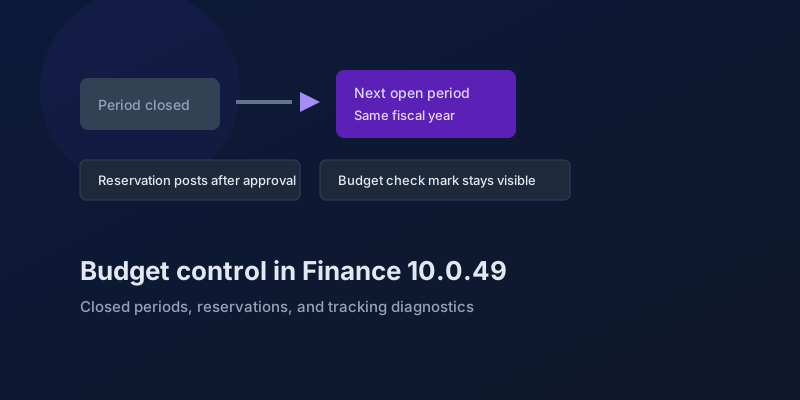
Budget Control in Finance 10.0.49: Closed Periods, Reservations, and Broken Tracking
The budgeting features in Dynamics 365 Finance 10.0.49 — accounting-date advancement, reservation posting, encumbrance reporting, and a diagnostic for corrupt budget tracking.
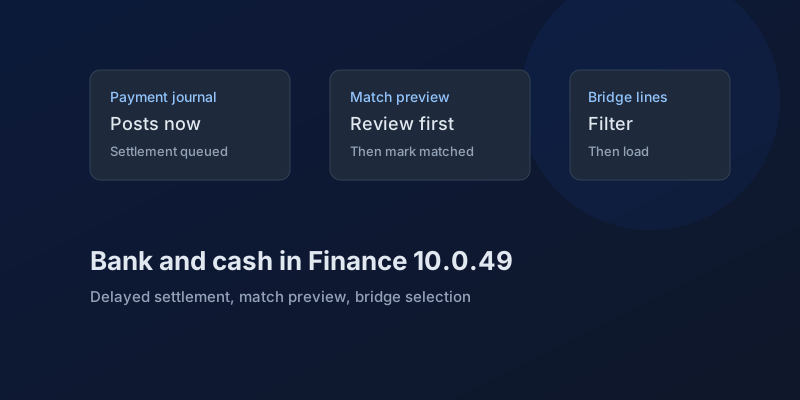
Bank and Cash in Finance 10.0.49: Delayed Settlement, Match Preview, and Bridge Selection
What Dynamics 365 Finance 10.0.49 changes in payment journals and bank reconciliation, which pieces are still preview, and which bank behaviors you can no longer disable.
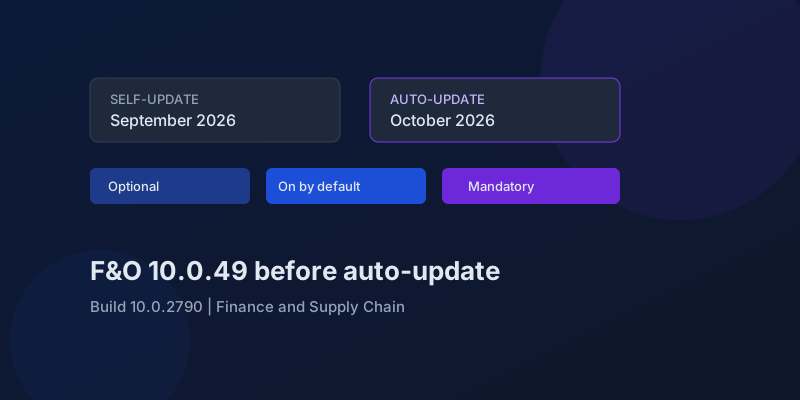
D365 F&O 10.0.49: What to Regression-Test Before the October Auto-Update
Finance and Supply Chain 10.0.49 (build 10.0.2790) is self-update in September 2026 and auto-update in October. Here is the feature-state triage that actually matters.
Newsletter
New posts, straight to your inbox
One email when a new post goes up. Double opt-in, unsubscribe anytime. Not a daily digest.
Comments
- No comments yet. Be the first.