CacheLookup in X++: Found Serves the Stale Row Inside ttsbegin
The credit check used CustTable it had already selected. Credit management had saved a zero limit ten minutes earlier. The batch still shipped. The second select firstonly sat inside ttsbegin and never became SQL. CacheLookup was Found. Found answers a unique-key lookup from the buffer the AOS already has, including inside a transaction.
That is the whole property. It is not "make this table faster." It is a rule for whether a unique-index select firstonly is a round trip or a dictionary lookup. Set it wrong and you do not get a slow form. You get a decision made on a row that is no longer true.
Record cache is a unique-key lookup
The kernel will use the record cache only when all of these hold:
- CacheLookup is
NotInTTS,Found, orFoundAndEmpty - The
whereclause equality-matches a unique index (AccountNum, RecId, your alternate key) - The select asks for one row:
firstonly, or a RecId unique lookup
where custTable.CustGroup == '40' is not a cache hit. CustGroup is not unique. That statement always goes to SQL. Teams flip a table to Found, never select on the unique key, then stare at Trace Parser still showing the query.
EntireTable is a different cache. The first access loads the table into a set-based cache on the AOS. Later selects against that table can be answered from memory even when the filter is not a unique key. It is for small parameter and group tables. If the table is too large, the kernel stops treating it as EntireTable and falls back to NotInTTS. Do not wait for that fallback. Do not put inventory transactions on EntireTable.
None means every select hits SQL. That is an honest setting for a table you write constantly and almost never re-read by key in the same session.
The five values
| CacheLookup | Outside a transaction | Inside ttsbegin … ttscommit | A unique key that does not exist |
|---|---|---|---|
| None | SQL | SQL | SQL |
| NotInTTS | Unique-key hits may come from cache | Cache is not used | Not cached |
| Found | Unique-key hits from cache | Still from cache | Not cached |
| FoundAndEmpty | Same as Found | Same as Found | The miss is cached too |
| EntireTable | Set-based table cache | Set-based table cache | The whole table is the cache |
NotInTTS is the value you want on almost every table users update during the day. The name is the rule: not in TTS. You cached the customer on the form. You then open a transaction, validate credit, insert a sales order. The validate select sees what SQL has now, including the limit someone saved a second ago.
Found is the setting in the first paragraph. The kernel already has US-001. Inside the transaction it hands you that buffer again. Another session's update is committed and invisible. Use Found on tables that change rarely — groups, reason codes, a setup table one admin maintains.
FoundAndEmpty is Found plus a cache of "that key does not exist." A find() that returned nothing will keep returning nothing until the cache is flushed, even after another process inserts the row. Use it when a miss is the stable state. Do not use it on a table another process is about to fill if this process must notice.
EntireTable is CustParameters, SalesParameters, your twenty-row parameters table. CustParameters::find() is the pattern. The first caller on that AOS loads the table. Everyone else reads memory until a parameters row is written through the buffer and the kernel flushes.
A select that hits, and one that does not
CustTable custTable;

// Unique index on AccountNum. firstonly. This is a cache candidate.
select firstonly custTable
    where custTable.AccountNum == 'US-001';

// Not a unique index. Record cache does not apply.
select firstonly custTable
    where custTable.CustGroup == '40';
If the table is Found and this statement must see committed data from other sessions, say so on the select:
select firstonly disableCache custTable
    where custTable.AccountNum == 'US-001';
disableCache is for that statement. custTable.reread() re-reads this buffer from the database. flush CustTable; drops cached rows for that table on this AOS. Flush is the blunt instrument after an unusual write path — not something to call in a loop. A loop that flushes is a loop that should have been NotInTTS.
Joins, group by, and aggregates are not record-cache lookups. They go to SQL. Record cache does not make a CustGroup scan fast. It makes the next unique-key lookup skip SQL.
Found plus a transaction is a stale credit check
CustTable custTable;

select firstonly custTable
    where custTable.AccountNum == _accountNum;

// Time passes: a form, a dialog, another method.

ttsbegin;

select firstonly custTable
    where custTable.AccountNum == _accountNum;

if (custTable.CreditMax < _lineAmount)
{
    throw error("Credit max exceeded.");
}

salesTable.insert();
ttscommit;
If CacheLookup is Found, the second select can be the first buffer. CreditMax is whatever it was when the form loaded. NotInTTS makes the second select a database read.
select firstonly forupdate is the shape that means this transaction is going to write. Use it when this session owns the row. Do not select a cached display buffer and then call update() on it.
Tables with OccEnabled compare RecVersion on update. A Found cache that is behind the database fails the write: the record has been updated by another user. Teams then chase a concurrency ghost. The version you sent was the cached one.
This is the same class of implicit kernel behavior as crossCompany: a filter you did not type. Here the filter is "unique key, one row, already on this AOS."
EntireTable is a parameters cache
CustParameters parm = CustParameters::find();
Standard find() on a parameters table is a unique-key select firstonly. EntireTable means the first caller pays for the table; the next caller on that AOS does not. Update that row through the table buffer so the kernel flushes. A SQL script against the underlying table, or a write that never went through the AOS, leaves every session on that service serving the old journal name until recycle.
If your "parameters" table now has tens of thousands of rows, it is not a parameters table. Set CacheLookup to NotInTTS. The kernel will fall off EntireTable when the table is too large, but that is a safety net, not a design.
Set-based inserts into TempDB and real indexes are how you make the SQL path fast when the cache is not allowed to answer. Do not turn Found on to hide a missing index.
What to set before it ships
- Transactional documents and their lines — sales orders, journals, inventory transactions: NotInTTS. You re-read them inside TTS. You need the committed row.
- Groups and codes that change in a setup form a few times a year: Found. Unique index required, or you set Found and never hit it.
- Optional setup that is usually missing: FoundAndEmpty, and only if a miss staying a miss is acceptable.
- One-row or few-row parameters: EntireTable, accessed through
find(). - Never EntireTable on a table that grows with the business.
Trace Parser still tells the truth. If you believe a table is cached and the statement duration is a SQL duration, you did not hit the cache: wrong index, missing firstonly, a join, or CacheLookup None.
Do not set Found to make a slow form snappy. Fix the query. Found does not accelerate scans. It skips SQL on the next unique-key lookup, including the one you wrote to be safe inside the transaction.
Keep reading
crossCompany in X++: The Query That Mixes Legal Entities
A normal select stays in the current company. crossCompany returns every legal entity the user may read. How the company container, changeCompany, and OData differ.
Budget Control in Finance 10.0.49: Closed Periods, Reservations, and Broken Tracking
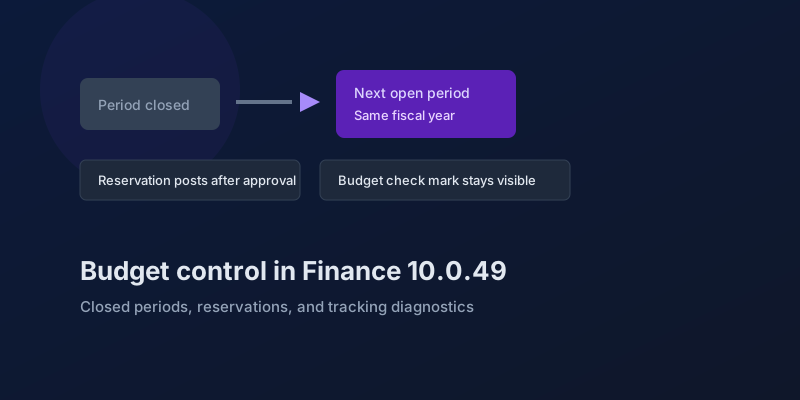
The budgeting features in Dynamics 365 Finance 10.0.49 — accounting-date advancement, reservation posting, encumbrance reporting, and a diagnostic for corrupt budget tracking.
Bank and Cash in Finance 10.0.49: Delayed Settlement, Match Preview, and Bridge Selection
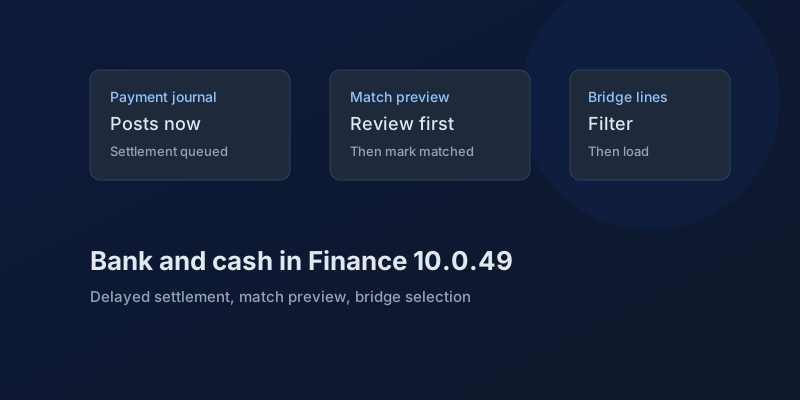
What Dynamics 365 Finance 10.0.49 changes in payment journals and bank reconciliation, which pieces are still preview, and which bank behaviors you can no longer disable.
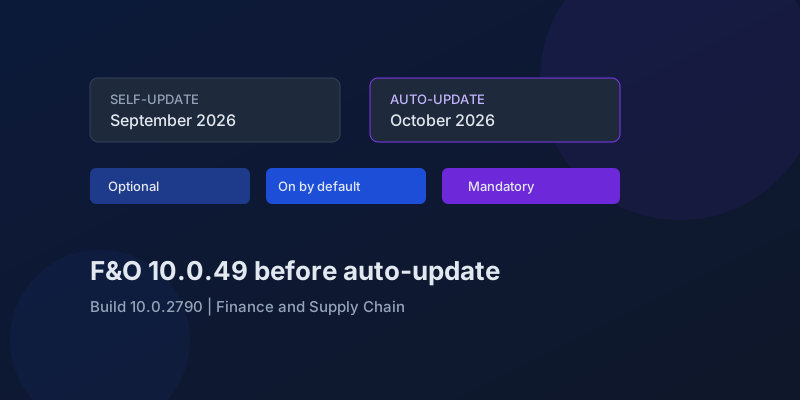
D365 F&O 10.0.49: What to Regression-Test Before the October Auto-Update
Finance and Supply Chain 10.0.49 (build 10.0.2790) is self-update in September 2026 and auto-update in October. Here is the feature-state triage that actually matters.
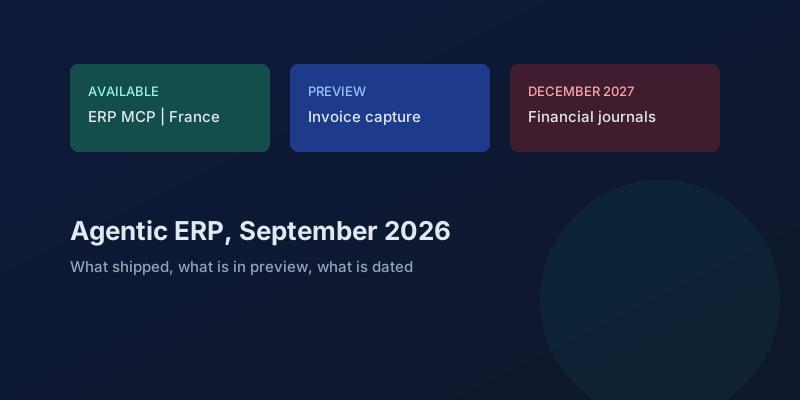
Agentic ERP in September 2026: What Is Available, in Preview, and Still a Date
A precise reading of Microsoft's 23 September 2026 Dynamics 365 ERP announcement, the 10.0.49 previews behind it, and the financial-journal dates that are not this fall.
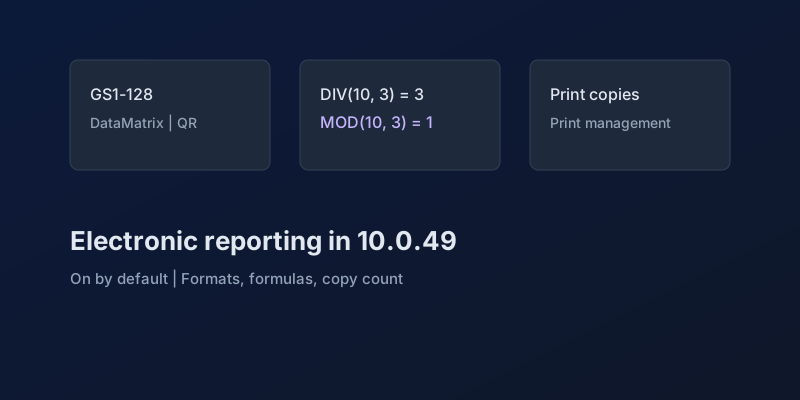
Electronic Reporting in Finance 10.0.49: GS1 Barcodes, DIV and MOD, and Copy Counts
What Dynamics 365 Finance 10.0.49 changes in Electronic Reporting without a feature debate — barcode formats, integer formulas, print copies — and which ER behaviors are now mandatory.
Newsletter
New posts, straight to your inbox
One email per post. No spam, no tracking pixels, unsubscribe anytime.
Comments
- No comments yet. Be the first.